
Face Liveness Detection for Secure Selfie Verification
Stop photo, video, and deepfake spoofing while keeping legitimate users moving through KYC. okID combines liveness checks, face matching, and flexible integration into a single verification flow.
- Active or passive liveness checks
- 3D liveness and anti-spoofing
- Optional face matching against ID photos
- API, SDK, or hosted integration







Face Liveness Detection Built for High-Trust Onboarding
Add liveness to a wider identity verification platform built for accurate checks, faster onboarding, and secure customer journeys across global markets.

Detect Common Facial Spoofing Threats
Identify signals linked to printed photos, screen replays, deepfakes, virtual cameras, and injected video streams during facial verification.

Stop Photo & Screen Spoofing
A static image does not prove live presence. Face liveness detection helps distinguish genuine users from photos, screen-displayed faces, and physical presentation attacks.
- Printed portrait photos
- Faces shown on screens
- Physical face masks

Detect Video & Deepfake Spoofing
Strengthen authentication with fast, accurate biometric identity checks for all your users everywhere.
- Pre-recorded selfie videos
- AI-generated face swaps
- Manipulated facial media

Flag Virtual Camera & Injection Risks
Some attacks send recorded or synthetic media directly into the verification session. Device and session signals help identify suspicious input sources.
- Virtual camera feeds
- Injected video streams
- Suspicious session signals
How okID Face Liveness Detection Works
okID guides each user from live capture to a clear result while your business controls the required modules and verification flow.
 Step 01
 Step 02
 Step 03
 Step 04Step 01
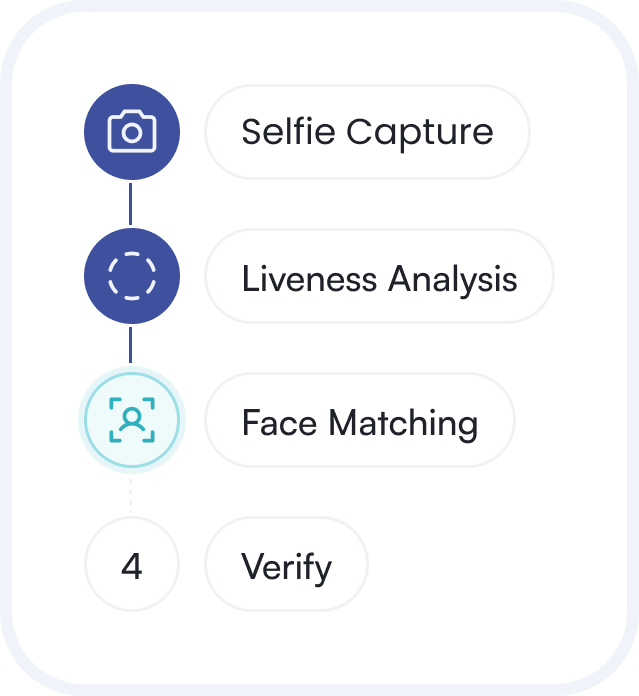
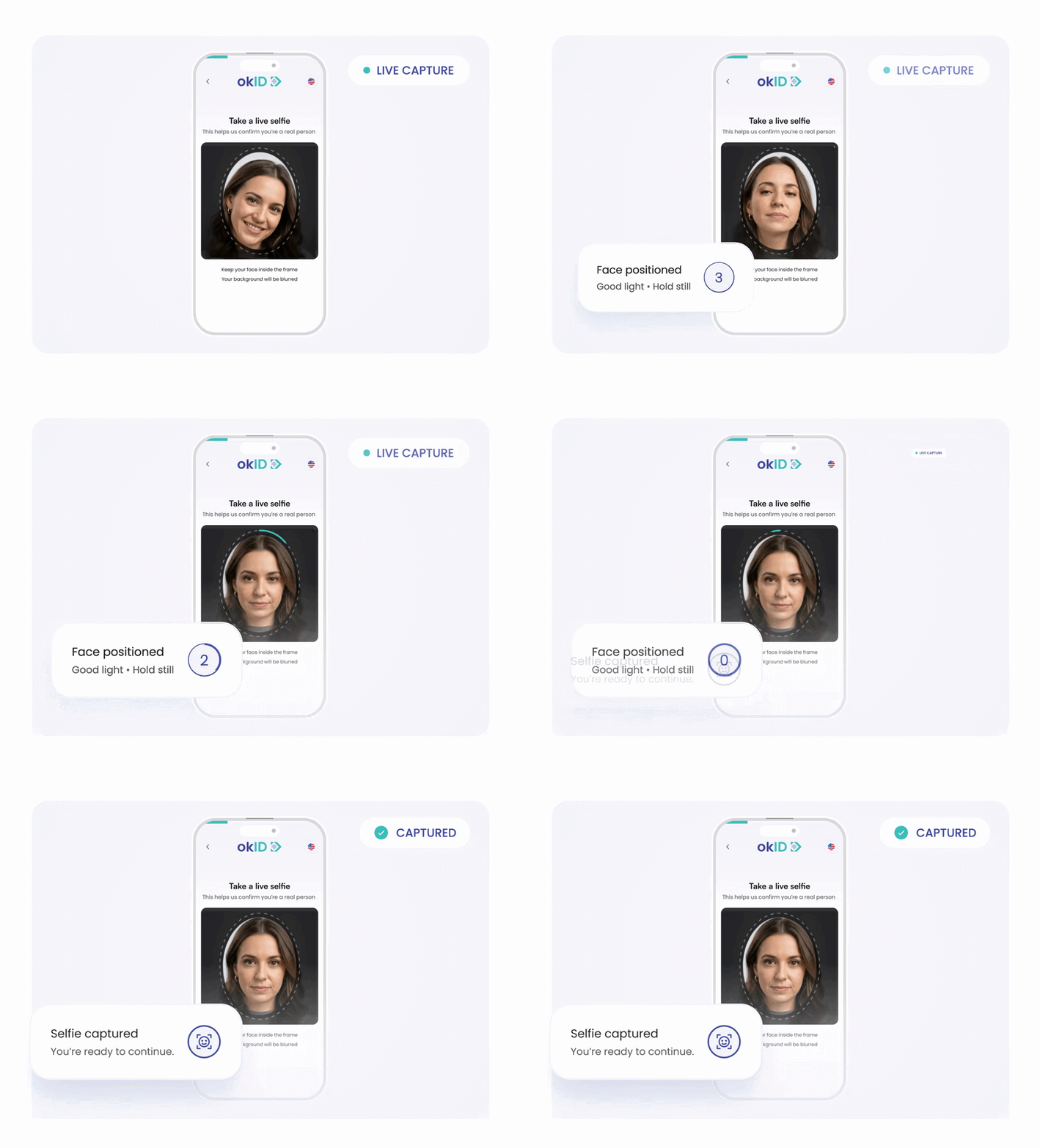
Capture a Live Selfie
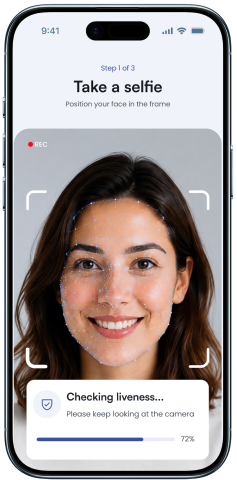
The user enters a hosted, modal, or mobile flow and follows clear guidance for a usable facial capture.
 Step 02
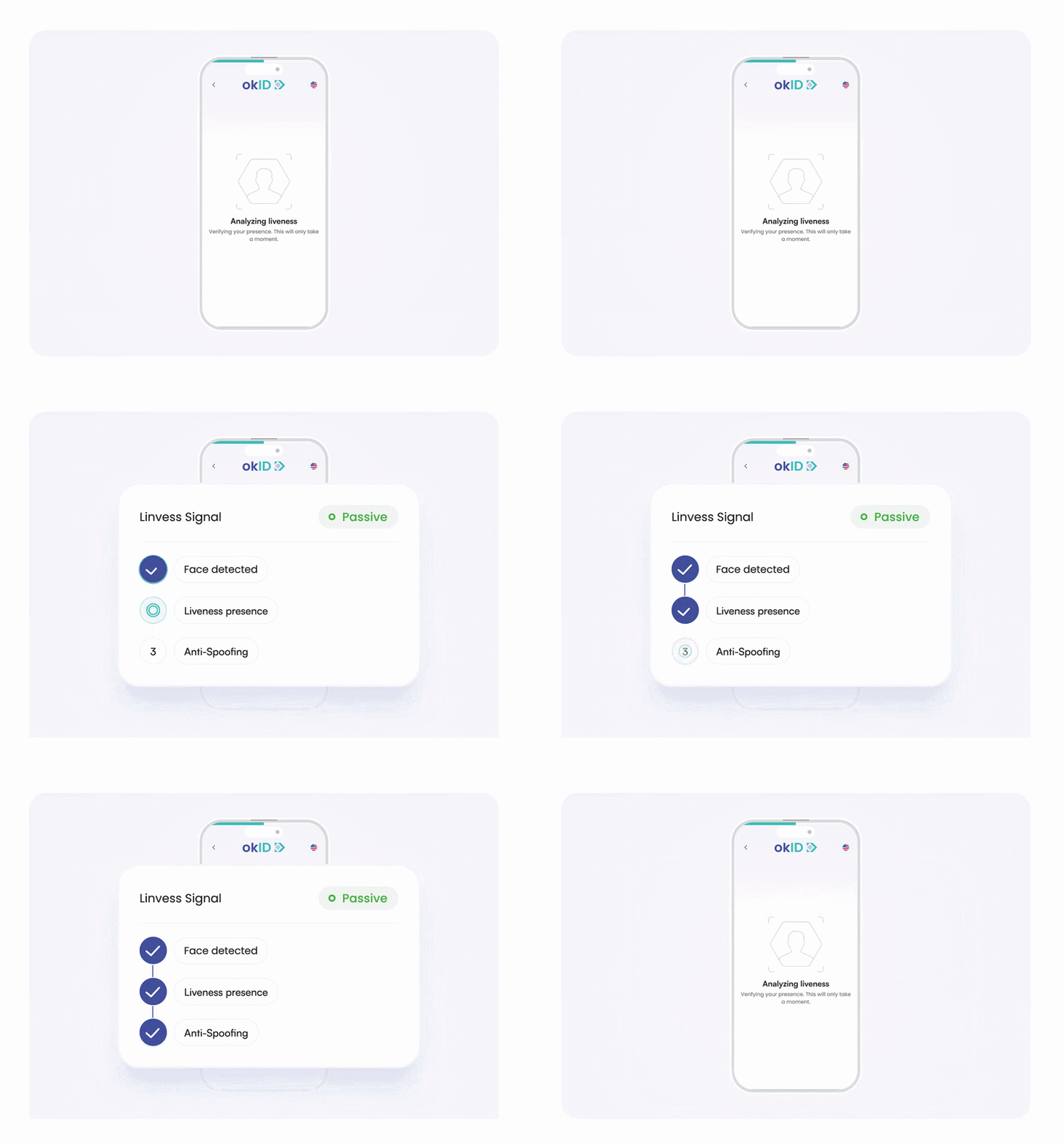
Run Active or Passive Liveness
Passive checks run in the background, while active checks prompt the user. 3D liveness and anti-spoofing analysis assess whether a genuine user is present.
 Step 03
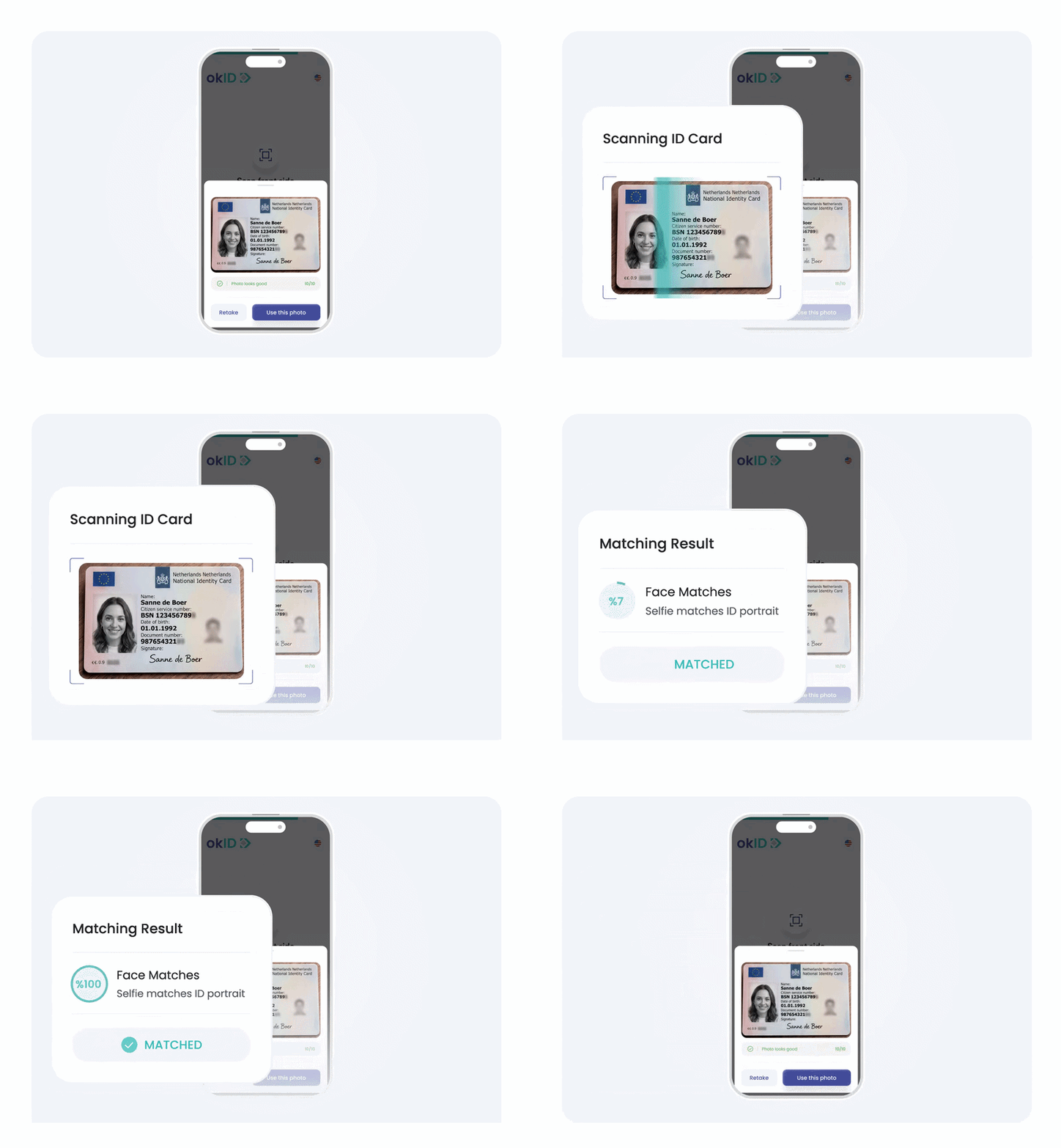
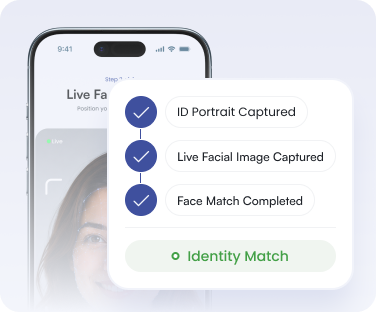
Match the Selfie to the ID
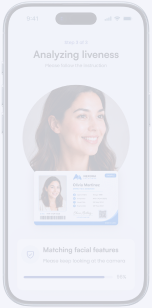
When face matching is enabled, the accepted selfie is compared with the portrait from the submitted identity document.
 Step 04
Return a Clear Result
Receive a verified, rejected, or manual-review outcome through the API, webhook, or dashboard.


Reliable Face Liveness
Detection Without Extra Friction
Protect the verification journey without adding unnecessary steps for genuine users.
Face Liveness Detection for Real User Presence
Confirm that a live person is completing the selfie verification step.
Reduce Common Spoofing Attempts
Add protection against printed photos, screen
replays, and recorded facial media.
Strengthen Deepfake Defenses
Reduce exposure to AI-generated or manipulated facial content during verification.
Confirm Identity Ownership
Compare the accepted selfie with the ID portrait to confirm that the live user matches the claimed identity.
Keep Selfie Verification Simple
Choose active or passive liveness to match the required verification flow.
Connect Through API or SDK
Add liveness through hosted, web, mobile, and
server-side integration options.

Build the Verification
Flow You Need
Bring the right checks together in one flexible flow, tailored to how
your business verifies customers.
Biometric Face Recognition
Compares a live selfie with the portrait on the identity document to check whether they show the same person.
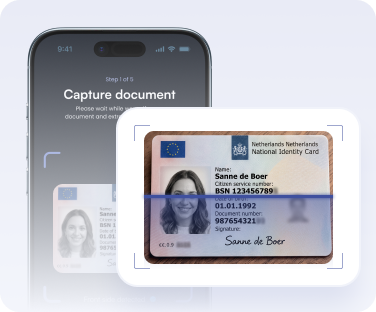
Document Verification
Captures and evaluates passports, ID cards, driving licences, and residence permits through layered document checks.
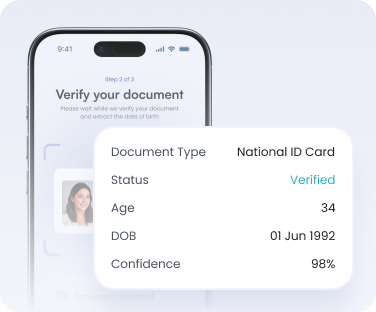
Age Estimation
Confirms or estimates whether a user meets an age threshold using document data or facial age estimation.

Fit Liveness Detection Into Your KYC Workflow
Configure how users enter the flow, which biometric checks are run, and how results are returned to your systems.
Use separate API keys to configure development, staging, production, and different verification journeys.

 Direct verification flow
 QR device handoff
 Mobile-only verification

 Active or passive liveness
 Selfie-to-ID face matching
 Configurable confidence threshold

 API, webhook, or dashboard
 Verified, rejected, or manual review
 Return URLs and custom metadata

 Retention periods
 Consent through the Terms module
 Supported portrait and document redaction

Security Controls for Biometric Liveness Detection
okID combines technical safeguards, configurable data controls, and Bluem’s independently audited operational controls for business-critical identity verification.
Independently audited operational controls
Infrastructure located in the Netherlands
Protection for stored verification data
Secure API communications
Control how long verification data remains available
Limit the exposure of selected sensitive identity data

Where Face Liveness Detection Adds Value
Say goodbye to blurry photos, deepfakes, and manual checks. okID combines MRZ, NFC, barcodes, OCR, AI, and behavioral analysis (bot & fraud detection) to outperform traditional ID verification.

Fintech and Payments


Gaming and Age Gates
Add liveness to regulated and age-restricted journeys where impersonation or account sharing creates risk.

Travel and Check-In
Connect selfie verification with digital or on-site check-in for travel, hotels, airports, and events.


Where Face Liveness Detection Adds Value
Say goodbye to blurry photos, deepfakes, and manual checks. okID combines MRZ, NFC, barcodes, OCR, AI, and behavioral analysis (bot & fraud detection) to outperform traditional ID verification.
Fintech and Payments
Gaming and Age Gates
Add liveness to regulated and age-restricted journeys where impersonation or account sharing creates risk.
Travel and Check-In
Connect selfie verification with digital or on-site check-in for travel, hotels, airports, and events.

Why Teams Trust okID Selfie Verification Software
Regulated teams use okID to connect liveness with document, NFC, and compliance checks.


Get Clear Answers Before You Commit
Review the most common questions about products, integrations, and implementations before planning your verification flow.
Still have a question? Ask a Question
Yes. It can run as an independent module or alongside document verification and other identity checks.
Yes. Teams can configure the confidence threshold to match their risk and review requirements.
The result may be rejected or sent for manual review. A new verification ID is required for another attempt
Yes. Desktop users can continue by scanning a QR code, or teams can require a mobile-only journey.
Yes. Add an internal reference via extra_data, and it will be returned in the webhook notification.
Yes. Separate API keys can be used for development, staging, and production verification flows.
Retention periods are configurable. Teams can also apply automatic deletion and redact selected identity data.
Liveness detection confirms a real person is present. Face-matching software compares the captured selfie to another image, such as an ID portrait.
Add Face Liveness Detection to Your Verification Flow
Confirm real user presence, reduce the risk of selfie spoofing, and add liveness to your existing KYC flow through flexible web, mobile, and API integrations.
Provided by Bluem, an independently audited ISAE 3402 Type II FinTech and RegTech service provider.