






NFC Verification

NFC Verification Beyond Document Images

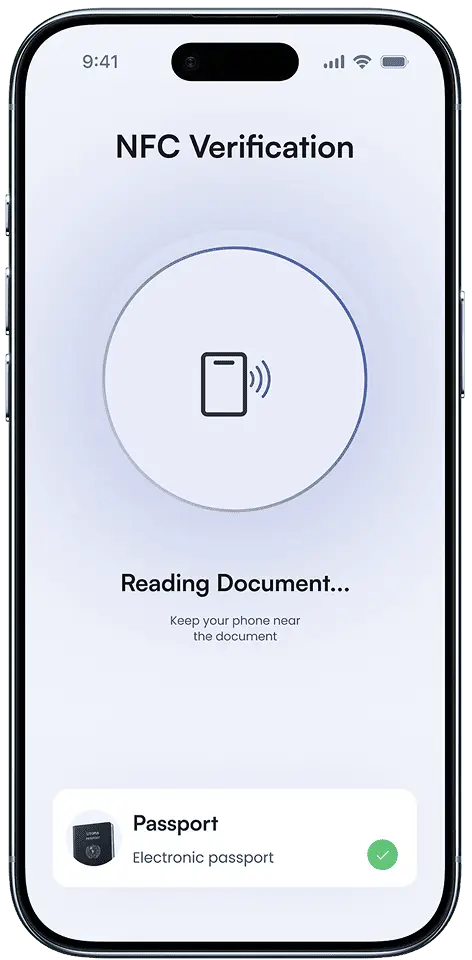
Read trusted chip data from supported electronic passports and identity cards. Add stronger document evidence to your existing verification journey.

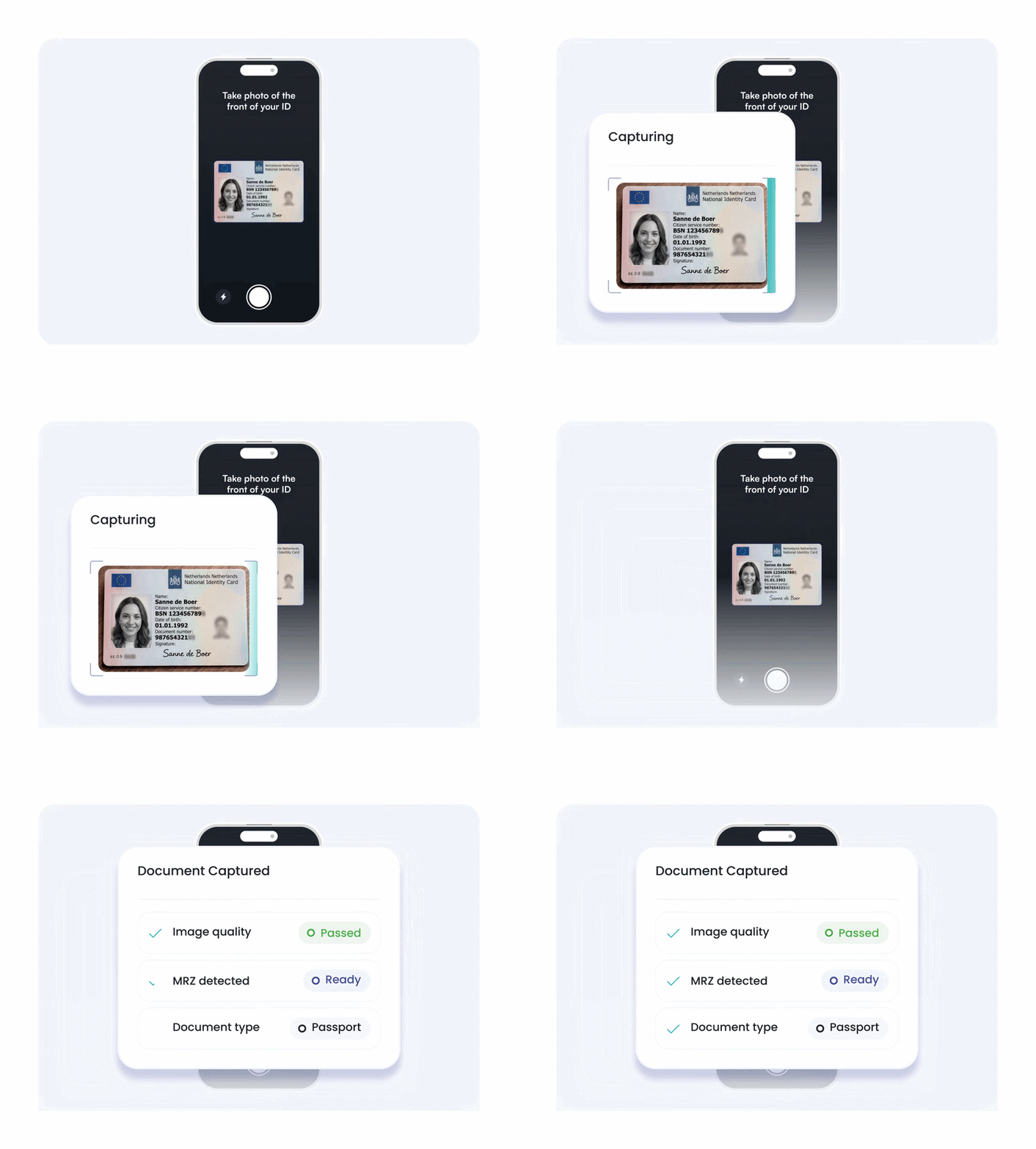
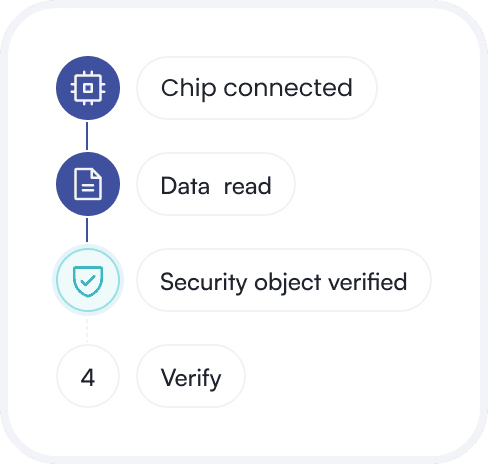
The Machine Readable Zone (MRZ) is the coded text used to access the NFC chip. The Security Object helps verify its data.

NFC Verification
Trusted at Scale

Scale NFC Verification Globally

Add chip-based authentication to an identity platform built for international onboarding and configurable verification journeys.

190+
Countries Covered
15,000+
Identity Documents
1,500+
Clients
15M+
Users Verified
Chip-Level Checks

Verify Chip Data with NFC Verification

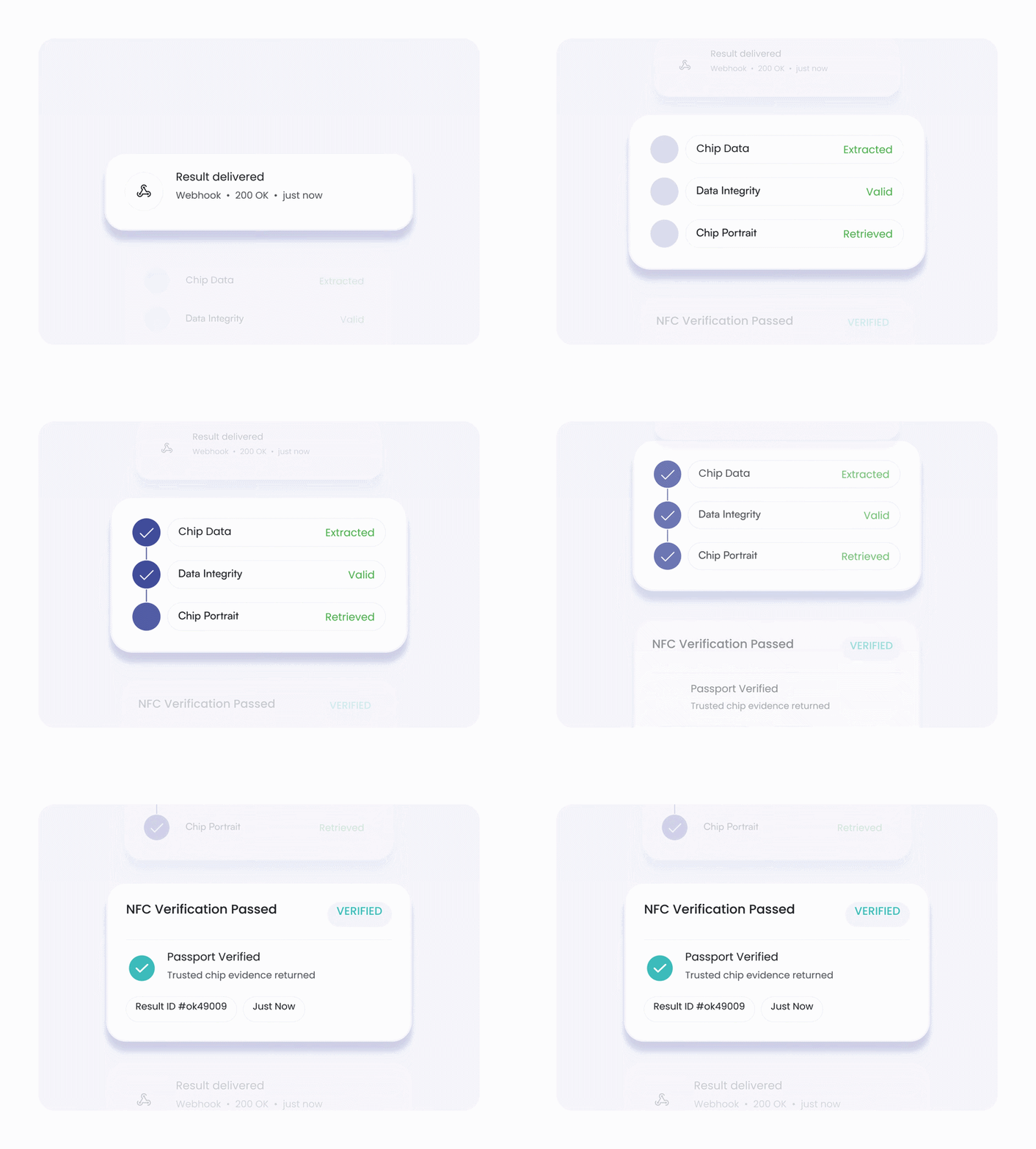
okID reads the embedded chip and returns three key sources of identity evidence.

Chip Data

Read Chip Data

Retrieve structured data from supported electronic passports and identity cards.

Data Integrity

Check Data Integrity

Use the Security Object to check whether the chip data remains authentic.

Chip Portrait

Retrieve Chip Portrait

Access the identity photo stored inside the document chip.

How it works

How okID NFC Verification Works

Configure the flow, guide the user to an NFC-enabled device, and return the result to your system.

Folder Star icon
Why Choose okID

Build Trust with NFC ID Verification

Add stronger identity evidence to your verification flow without compromising integration flexibility, data control, or user experience.

One Verification Journey

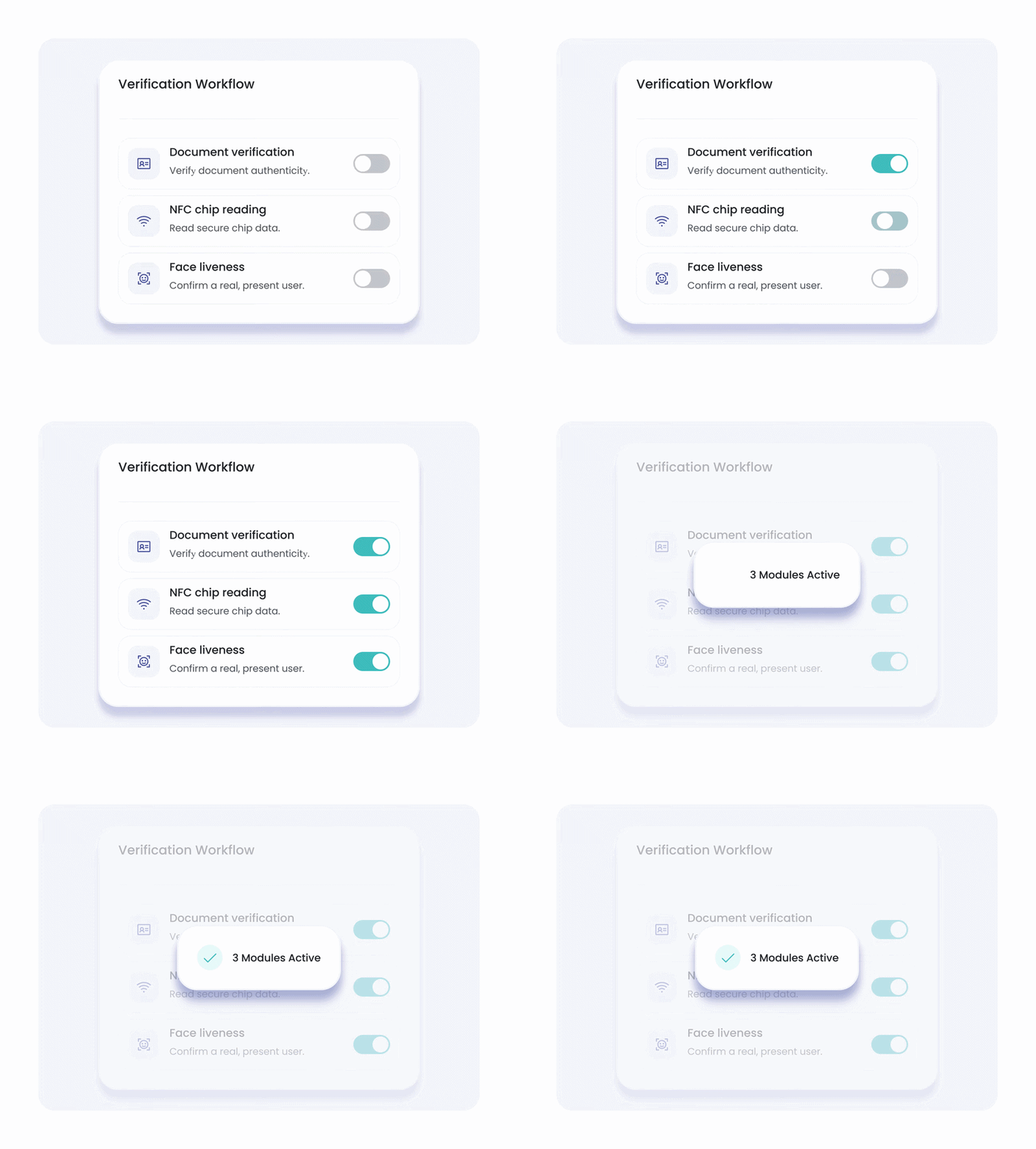
Combine NFC, document verification, liveness, terms, and form modules.

Smooth Mobile Handoff

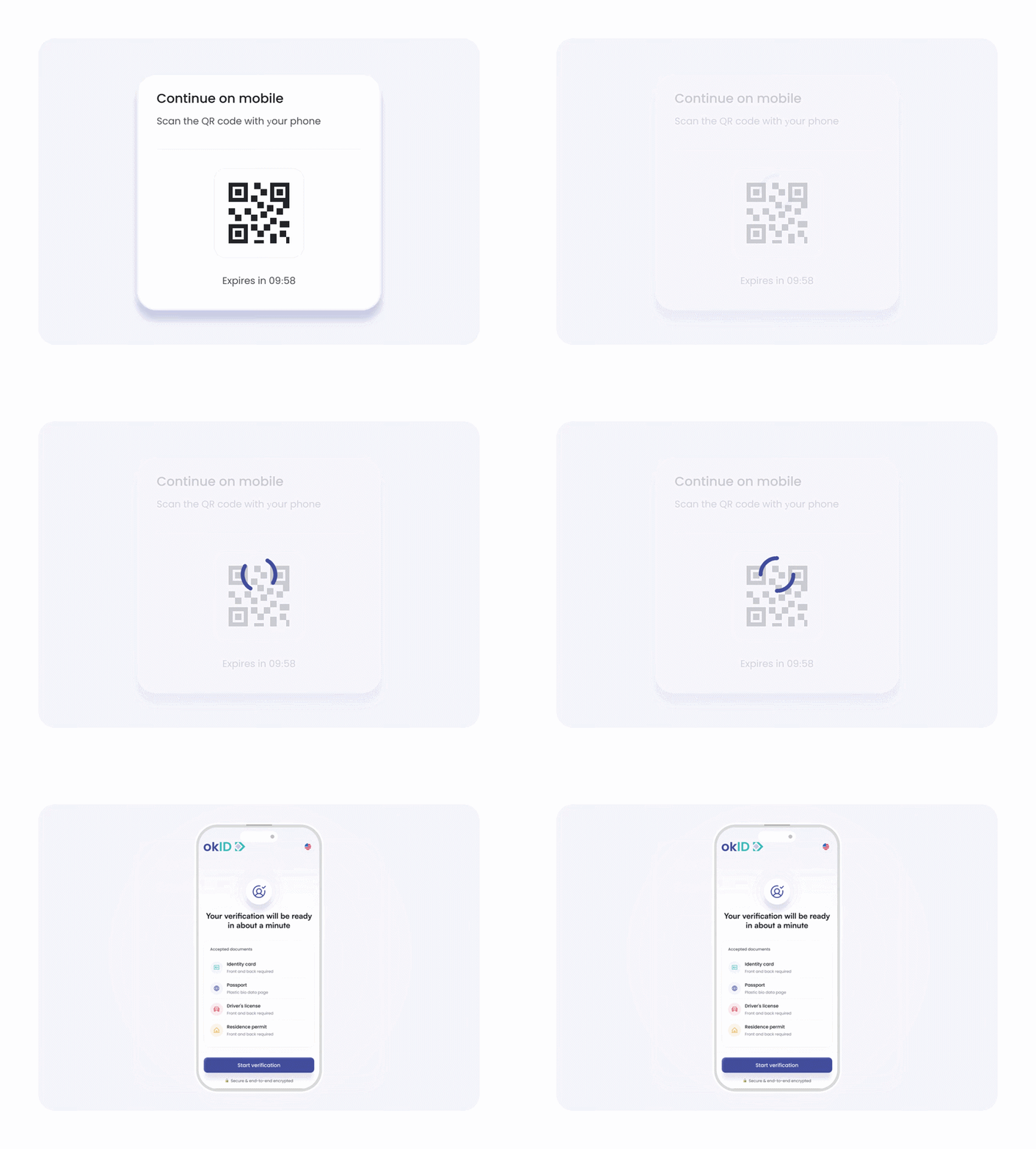
Move desktop users to an NFC-enabled phone through a QR code.

Configurable Data Controls

Manage retention and redact MRZ, portrait, or template data.

Related Products

Build the Verification Flow You Need

Bring the right checks together in one flexible flow, tailored to how your business verifies customers.

Gear icon
Customization

Configure NFC Verification Your Way

Adapt the verification journey using API key settings and routing options.

  • Enable NFC reading
  • Add document or liveness checks
  • Use separate API keys
  • Direct mobile flow
  • QR device handoff
  • Mobile-only journey
  • Set retention days
  • Redact MRZ data
  • Redact portraits or templates
  • Configure webhooks
  • Set return URLs
  • Use API or dashboard results

Security & Compliance

Protect Data During NFC Authentication

okID keeps API credentials on the server, protects production communication, and supports configurable data controls.

Server-side API keys
HTTPS in production
TLS 1.2 or higher
Server-side API keys
HTTPS in production
TLS 1.2 or higher
GDPR compliance badge
AICPA SOC compliance logo
Secure SSL encryption badge
NIS2 directive compliance logo
ISAE 3402 Type II assured logo
ISO 27001 certification logo
UK digital identity and attributes trust framework certification logo
Folder Simple User (2) icon
Use cases

NFC Identity Verification
Use Cases

Use chip-based identity evidence in workflows where reliable
document checks matter.

Folder Simple User (2) icon
Use cases

NFC Identity Verification Use Cases

Use chip-based identity evidence in workflows where reliable document checks matter.

Customer Story

Trusted NFC Authentication for Regulated Teams

Regulated teams use okID to connect liveness with document, NFC, and compliance checks.

“Before okID, we spent too much time verifying customers manually at events. As our business and customer base grew, we expected to hire more people just to keep up with the workload. okID made the process much easier by automating key verification checks, reducing manual work, and helping our team onboard more customers and event staff without increasing headcount.”
Question icon
FAQ

Know Before You Launch NFC Verification

Review common questions about NFC verification, chip reading, and integration before you begin.

Still have a question? Ask a Question

A failed verification ID cannot be reused. Your backend must create a new ID before another attempt.

Supported chip-enabled passports and identity cards. Availability depends on the country and document type.

It helps detect counterfeit or altered documents by checking the authenticity and integrity of chip data.

Data is transferred securely, encrypted, and protected through access controls and configurable retention settings.

The public documentation does not confirm an automatic non-NFC fallback. Confirm the alternative journey during implementation.

Yes. Add custom metadata when creating the verification and receive it again through the webhook.

Your system should support successful, rejected, and manual-review outcomes.

Create a new verification ID and restart the required flow. The previous failed ID cannot be reused.

okID retries unsuccessful webhooks up to three times using exponential backoff.

Yes. Use separate API keys with their own modules, webhooks, and data settings.

Your team can configure retention periods and redaction settings for each API key.

Get started

Add NFC
Verification to Your Flow

Add chip-based document evidence to your existing identity journey across web and mobile applications.

Built by Bluem, with ISAE 3402 Type II assurance.