
One concern you or your organization may have when verifying customers is how to spot a fake ID. This matters because fake identity documents are becoming more sophisticated. Altered genuine IDs, high-quality counterfeits, stolen documents, and other forms of identity fraud may look convincing enough to pass a basic visual inspection. In this guide, we explain the most common signs of a fake ID, the security features worth checking, the different types of document fraud, and the limitations of manual inspection. Read on to learn what to check and when technology becomes necessary.
Key Takeaways
- Fake IDs may be counterfeit, altered, or stolen.
- Small inconsistencies can reveal document fraud.
- Security features differ across documents and countries.
- Manual checks become less reliable at scale.
- Automated verification checks multiple fraud signals together.
- Biometrics help confirm who is using the ID.
- OCR and NFC add more document data.
- Strong verification combines document and identity checks.
How to Spot a Fake ID: Verification Methods for Businesses
A fake ID can pass a quick visual check because the document may look normal until the photo is compared with the person presenting it. Knowing how to spot a fake ID means knowing when a document that looks genuine still needs another check.

Manual ID Inspection
Manual ID inspection is difficult because reviewers need to recognize many different signs of fraud and notice very small inconsistencies in the document. Missing a minor detail can mean missing the fraud itself. A reviewer may see a hologram and assume the card is genuine, even though it stays fixed when the card is tilted. In an uploaded scan, an edited photo or date can also look normal on screen.
Automated Document Verification
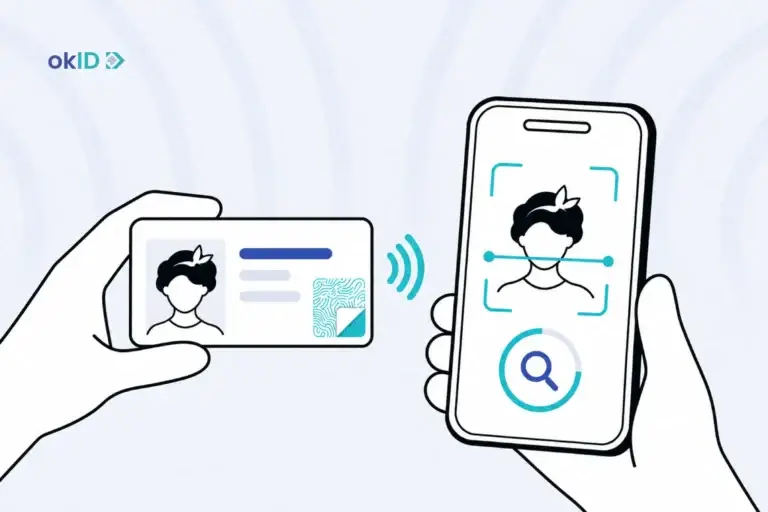
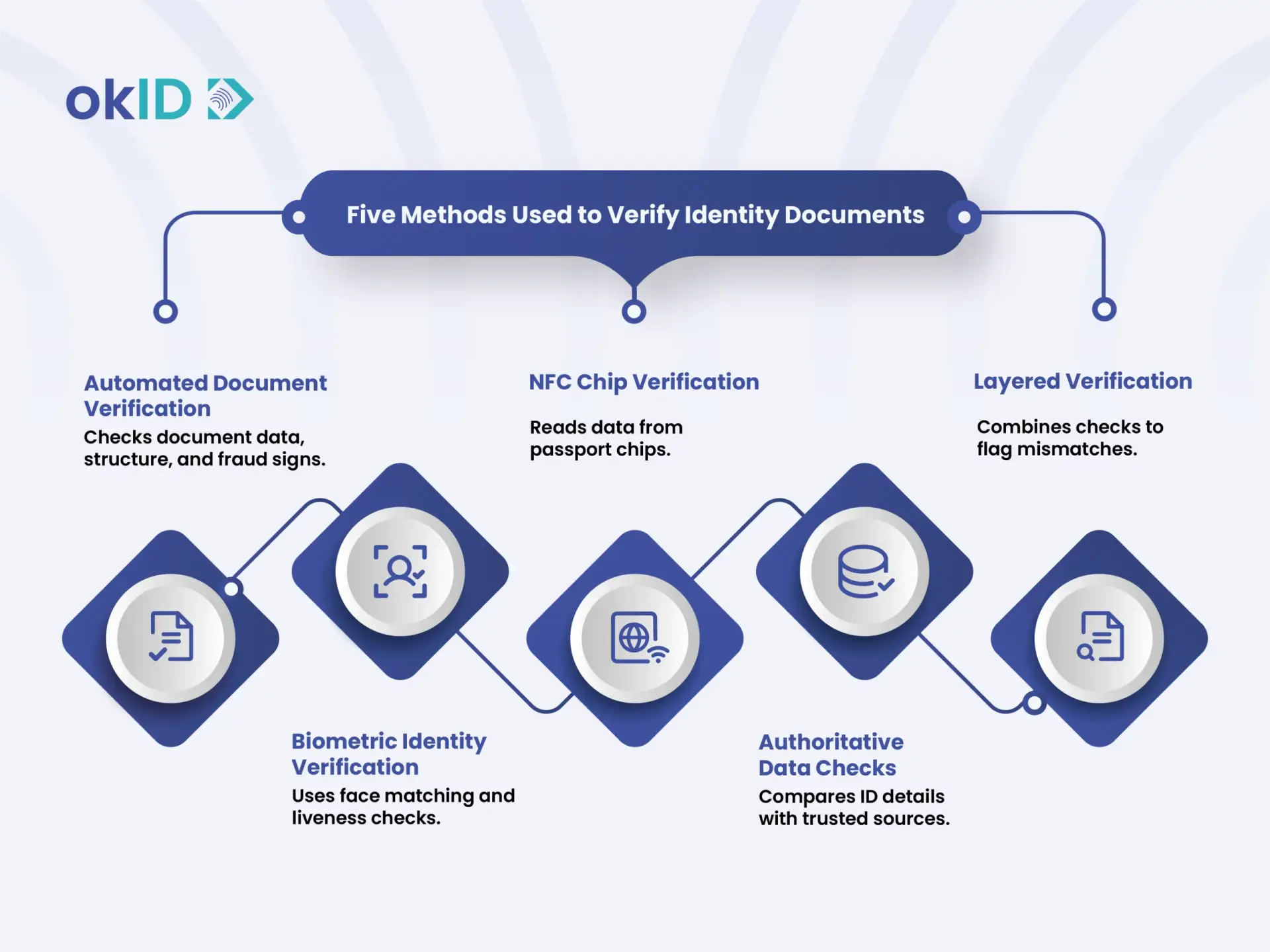
A document verification service checks document data, structure, and security features for signs of fraud.
- OCR verification: Extracts information such as the name, date of birth, and document number, then checks it against the MRZ or barcode.
- Document authenticity checks: Look for details that do not match the genuine version, such as incorrect fonts, spacing, image placement, or document layout.
- AI-powered verification: Looks across the document for small anomalies that are easy to miss manually, including unusual text placement, image changes, or inconsistent formatting.
- Security feature analysis: Checks whether MRZs, barcodes, holograms, UV features, and other document-specific elements appear where and how they should.
Biometric Identity Verification
Biometric verification adds another layer by checking the person presenting the identity document.
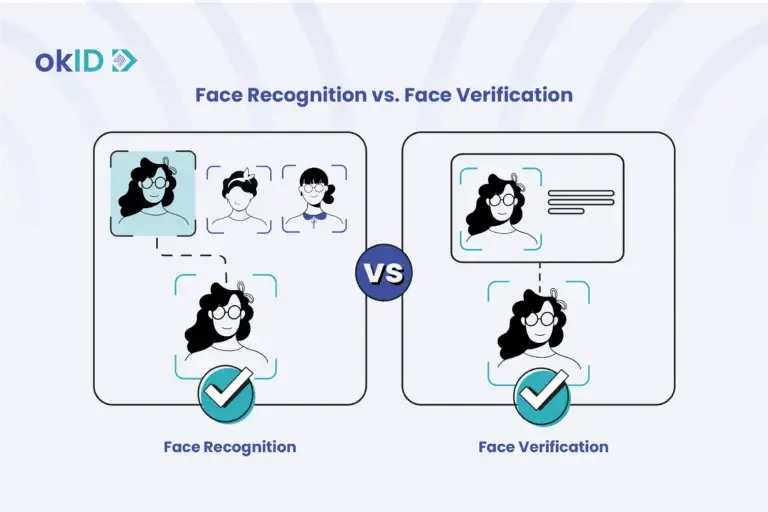
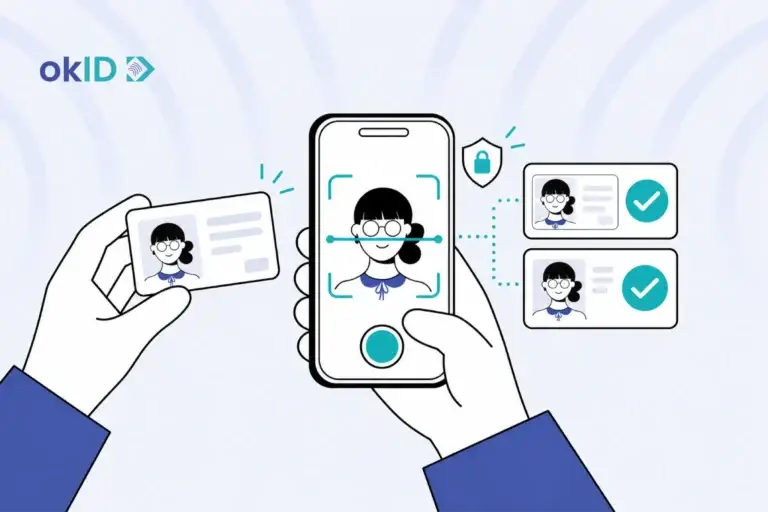
- Face matching compares the person’s face with the photo on the ID to confirm that they match.
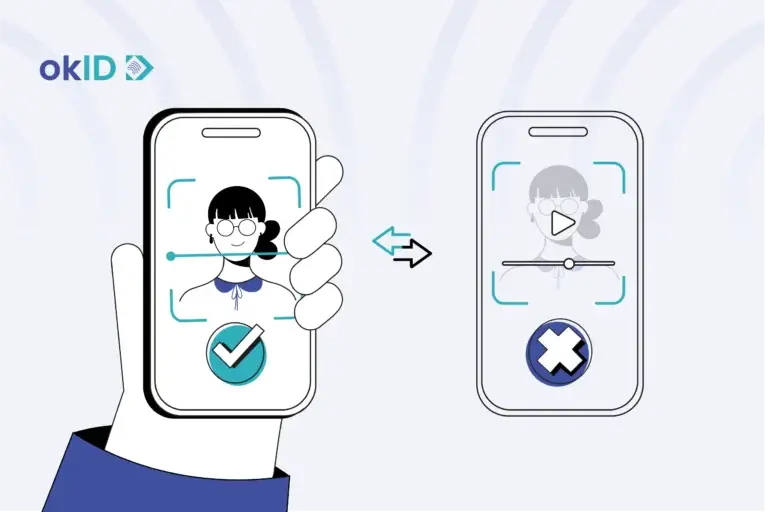
- Liveness detection uses face liveness detection software to check that a real person is physically present during verification and that a photo or recorded video is not being used.
NFC Chip Verification
NFC verification reads data directly from passport chips. This provides an additional source of document data beyond the information visible on the passport.
Authoritative Data Checks
The name, address, document number, or other ID data can be checked against trusted sources. A mismatch can reveal a problem even when the document itself looks genuine.
Layered Verification with okID
A document may appear completely genuine, while the data stored in its chip does not match the details printed on the document, or the person presenting it may not match the photo on the ID. In these cases, businesses can use identity fraud prevention software such as okID to check these signals together. If a mismatch is found after the document check, the verification can be stopped, or the case can be referred to the security team for closer review.
What Types of Fake IDs Should Businesses Watch For?
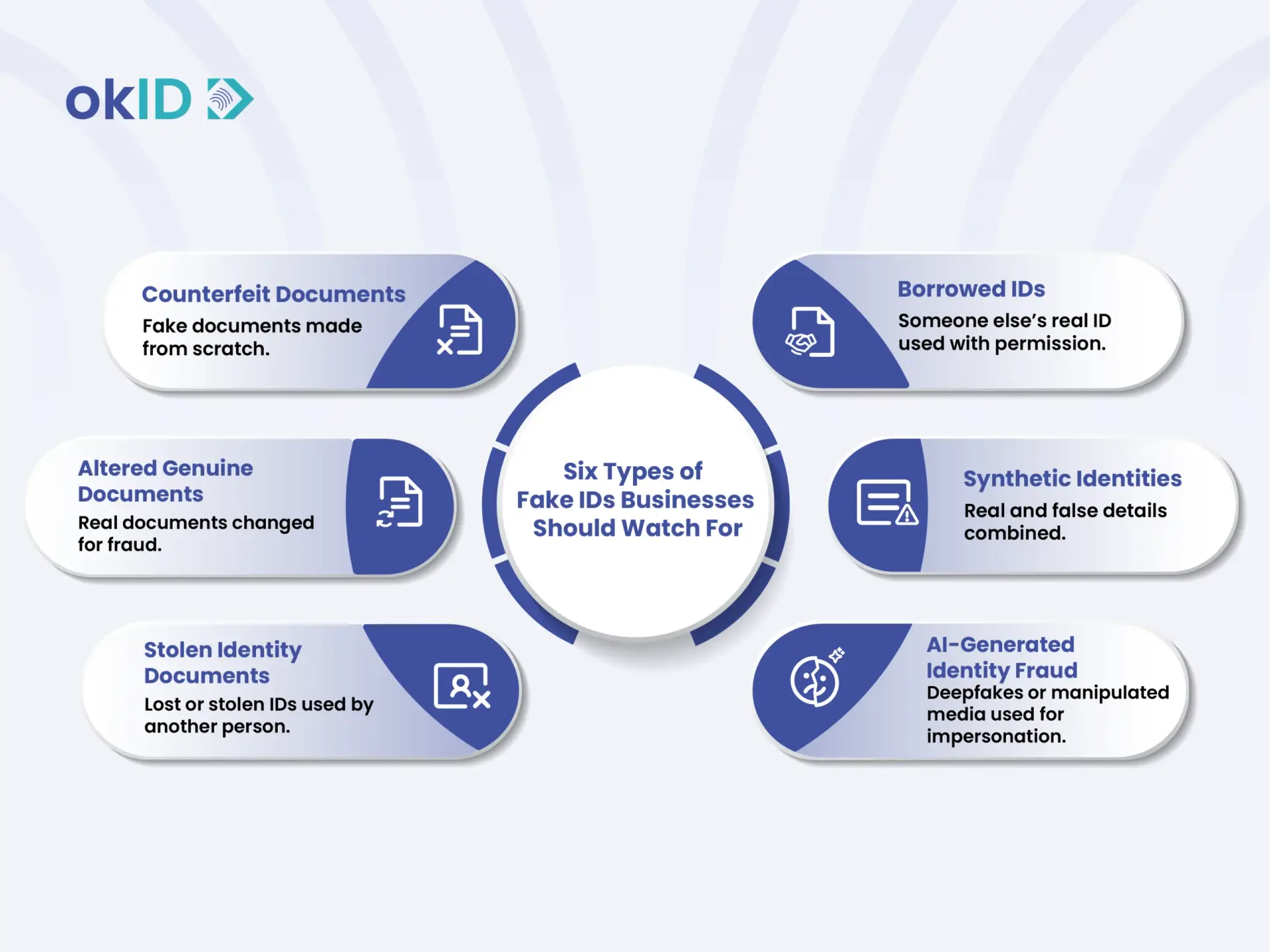
In identity fraud, fake IDs can be created or misused in different ways. The most common types include counterfeit documents, altered genuine documents, stolen identity documents, borrowed IDs, synthetic identities, and AI-generated identity fraud.
Counterfeit Documents
A counterfeit ID is made from scratch to resemble a real document. On a fake driver’s license, the hologram may stay fixed when the card is tilted. Also, Scannable fake IDs have working barcodes, but the encoded information is fabricated. For this reason, a barcode that can be scanned is not proof that the ID is genuine, because the encoded data can be falsified.
Altered Genuine Documents
An altered ID is a real document that has been partially changed for fraud. For example, someone may replace the original photo while leaving the rest of the document unchanged, which can leave the laminate looking uneven, cause the photo to fall out of line with the hologram, or make the edited text look different from the rest of the document. The visible details may also conflict with the information stored in the MRZ.
Stolen Identity Documents
Someone may use a lost or stolen ID and try to pass as the person shown in the photo. A closer look may reveal that the person presenting the document does not actually match its owner.
Borrowed IDs
A borrowed ID belongs to someone else but is used with their permission. This often involves a friend, sibling, or another person with a similar appearance.
Synthetic Identities
In Synthetic Identity Fraud, a real name may be paired with a false birth date or address to build an identity that does not belong to a real person. Because individual details can look plausible on their own, these identities may pass basic checks unless the submitted information is cross-checked against authoritative data sources.
AI-Generated Identity Fraud
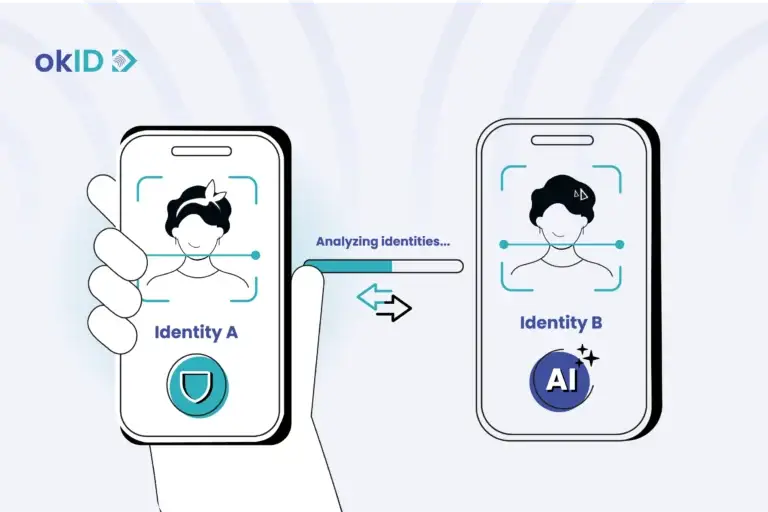
AI-generated fraud can involve deepfakes or other manipulated images and videos used to impersonate another person during remote verification. A convincing document may therefore be only one part of the fraud attempt. Liveness detection, face matching, and data cross-checking are particularly important where the person completing the verification also needs to be confirmed.
Which Security Features Help Detect Fake IDs?
Modern identity documents use several security features, including the following:
| Security feature | What it does | What may look wrong |
| Hologram | Changes with viewing angle | Static or incorrect movement |
| UV element | Reveals hidden patterns | Missing or incorrect pattern |
| Microprinting | Uses very small, detailed text | Blurred reproduction |
| Watermark | Embedded security design | Incorrect design or placement |
| Embedded chip | Stores document data | Missing where expected |
| MRZ | Stores machine-readable identity data | Data does not match visible fields |
Fake ID Detection Across Different States and Countries
Fake ID detection becomes harder when businesses handle documents from different states or countries because layouts and security features vary by issuing authority. Knowing how to spot a fake ID by state requires checking each document against the correct regional design and security standards. The following sections explain these differences and how global databases help verify each document against the correct reference.
Document Designs Vary by Issuing Authority
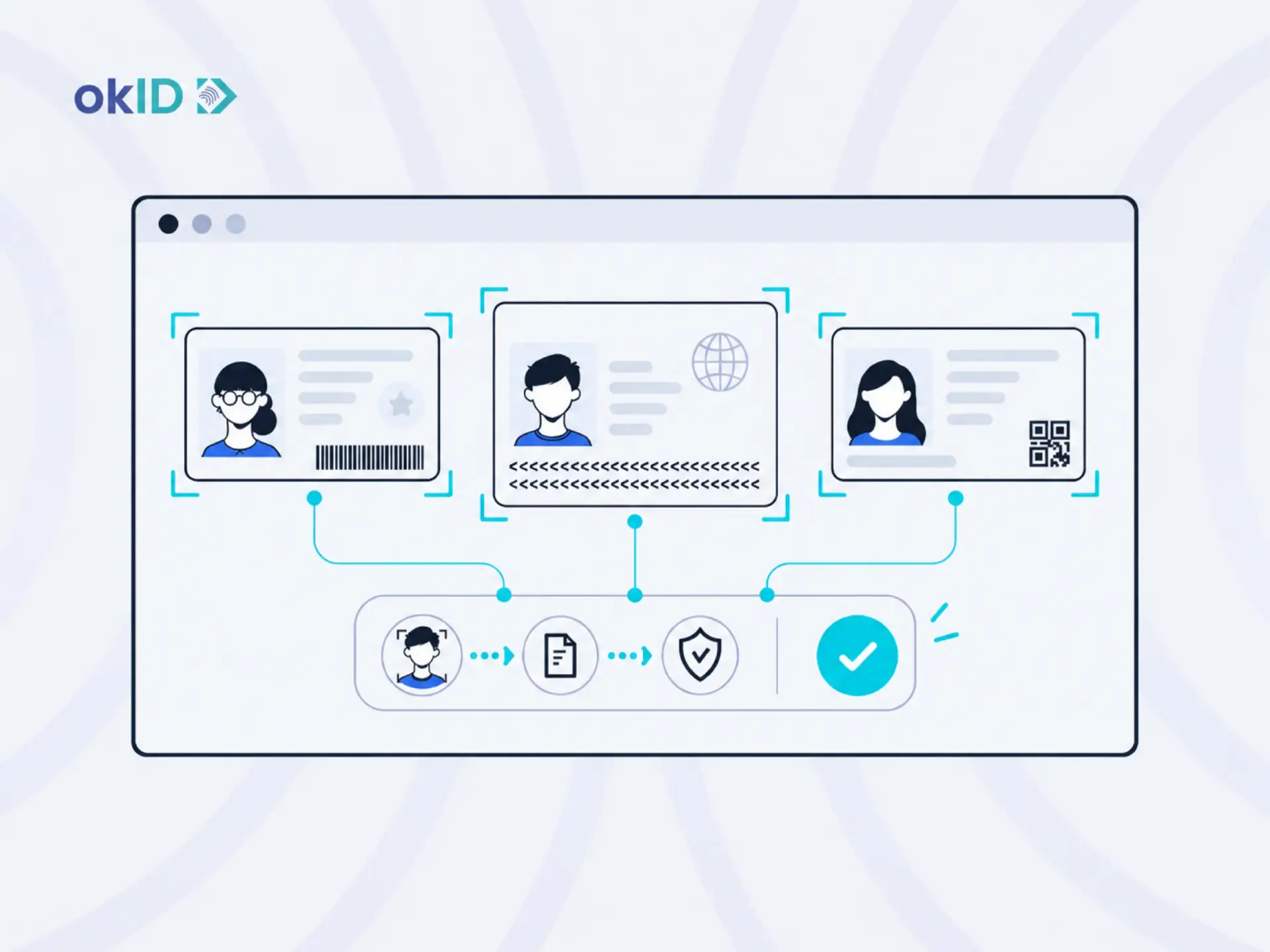
The position of the photo, personal details, document number, barcode, font, and even the card’s color and size can vary between countries. Even two documents of the same type may look different depending on where or when they were issued. For this reason, a visual difference does not always mean the document is fake and should be checked against the correct reference version.
Security Features Are Region-Specific
Security features are not the same across all countries or even across states within the same country. For example, holograms, UV markings, and other security patterns vary from one document to another. Therefore, simply having a security feature is not enough; it must match the genuine version of that specific document.
International Verification Creates More Room for Error
When a business reviews documents from different countries, staff may encounter IDs or passports they have never seen before. In these cases, it becomes harder to tell whether a font, layout, or security feature is legitimate or a sign of fraud. As a result, manual verification of international documents increases the risk of error.
Global Document Databases Provide a Reference for Verification
Global document databases store samples and specifications of valid identity documents from different countries. An identity verification platform like okID can compare a submitted document with the correct reference for that country, state, and document type. Databases can also include both older and newer versions of the same document. So staff do not need to memorize the details of every document used across different countries.
How Do You Choose an Identity Verification Solution for Fake ID Detection?
When choosing an identity verification solution, you should consider the following factors:
- Accuracy: The solution should reliably detect fake or altered documents while minimizing false rejections of legitimate users.
- Global document support: Look for coverage across the countries your business serves, including different document types and older versions still in use.
- API availability: The solution should connect to existing onboarding and KYC systems through an API or similar integration.
- Compliance requirements: Check that the solution supports the legal and regulatory requirements that apply to your industry and markets.
- User experience: The verification process should be fast and simple without creating unnecessary steps or false rejections for legitimate users.
- Security standards: The provider should protect users’ personal information and documents with appropriate security controls and standards.
Conclusion
Knowing how to spot a fake ID helps businesses identify document fraud, but as the customer base grows and the business expands, manual checks are no longer enough. To reduce the risk of fraudulent documents and strengthen identity verification security, businesses need automated tools such as okID that combine document checks, biometrics, liveness detection, and other fraud signals while reducing reliance on manual review and improving the security of their website or platform.
FAQs about How to Spot a Fake ID
Below are some of the most common questions we hear from customers about how to spot a fake ID, fake ID detection, document verification, and identity fraud prevention.
1- How to spot a fake ID before accepting an identity document?
To spot a fake ID before accepting it, businesses should review the document for signs of tampering, inconsistent details, unusual formatting, missing security features, and mismatches between the document and the person presenting it. Automated verification helps identify issues that may not be visible during a manual review.
2- What are the most common signs of a fake ID?
Common signs of a fake ID include changed personal details, low-quality images or printing, unusual fonts or layouts, missing security features, incorrect MRZ data, and a photo that does not match the person presenting the document.
3- How to spot a fake ID by state or country?
Knowing how to spot a fake ID by state means comparing the ID with the correct version for that state, country, and document type. Layouts and security features vary, so each ID should be checked against the right reference.
4- Can identity verification software detect fake IDs automatically?
Yes. Identity verification software can check document data, structure, security features, MRZ or barcode information, and other signs of fraud. okID also uses OCR, NFC, biometrics, face matching, and liveness detection.
5- What is the difference between fake ID detection and document verification?
Fake ID detection looks for signs that a document has been forged, altered, or misused. Document verification takes a broader approach by checking the document’s information, structure, and security features against a genuine version.
6- How does biometric verification help prevent identity fraud?
Face matching checks whether the person matches the photo on the ID, while liveness detection confirms that a real person is present. This helps detect stolen or borrowed IDs.
7- Can OCR detect fake identity documents?
OCR can extract information from an ID, but it cannot confirm authenticity on its own. Other checks are needed to detect document fraud.
8- What industries need fake ID detection solutions?
Fake ID detection is useful for businesses that need to verify identity before providing services or access. These include financial services, government, gaming, travel, mobility, HR, education, and healthcare.
9- How accurate are automated identity verification systems?
The accuracy of automated identity verification systems depends on factors such as supported document types, image quality, and the checks included in the verification process. Combining document analysis, biometric checks, and other verification methods helps improve the reliability of results.
10- How can businesses integrate fake ID detection into their onboarding process?
Businesses can integrate fake ID detection into their onboarding process through an API, SDK, or hosted verification flow. The verification result can then be returned to the existing workflow through an API, dashboard, or webhook.