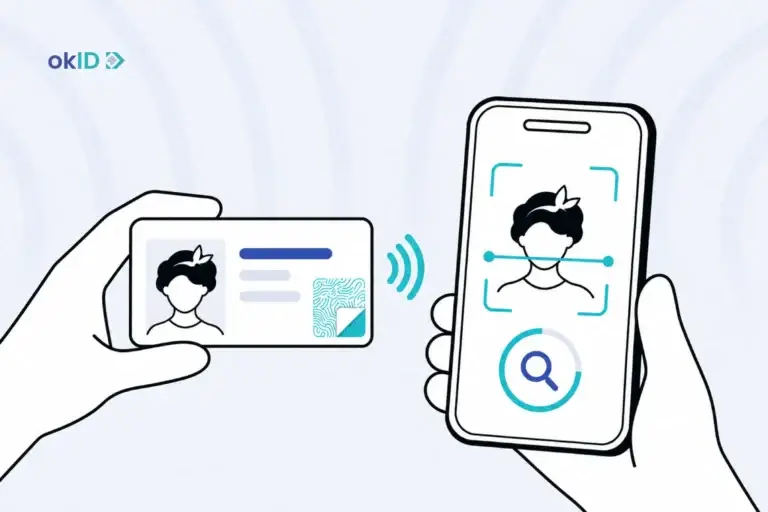
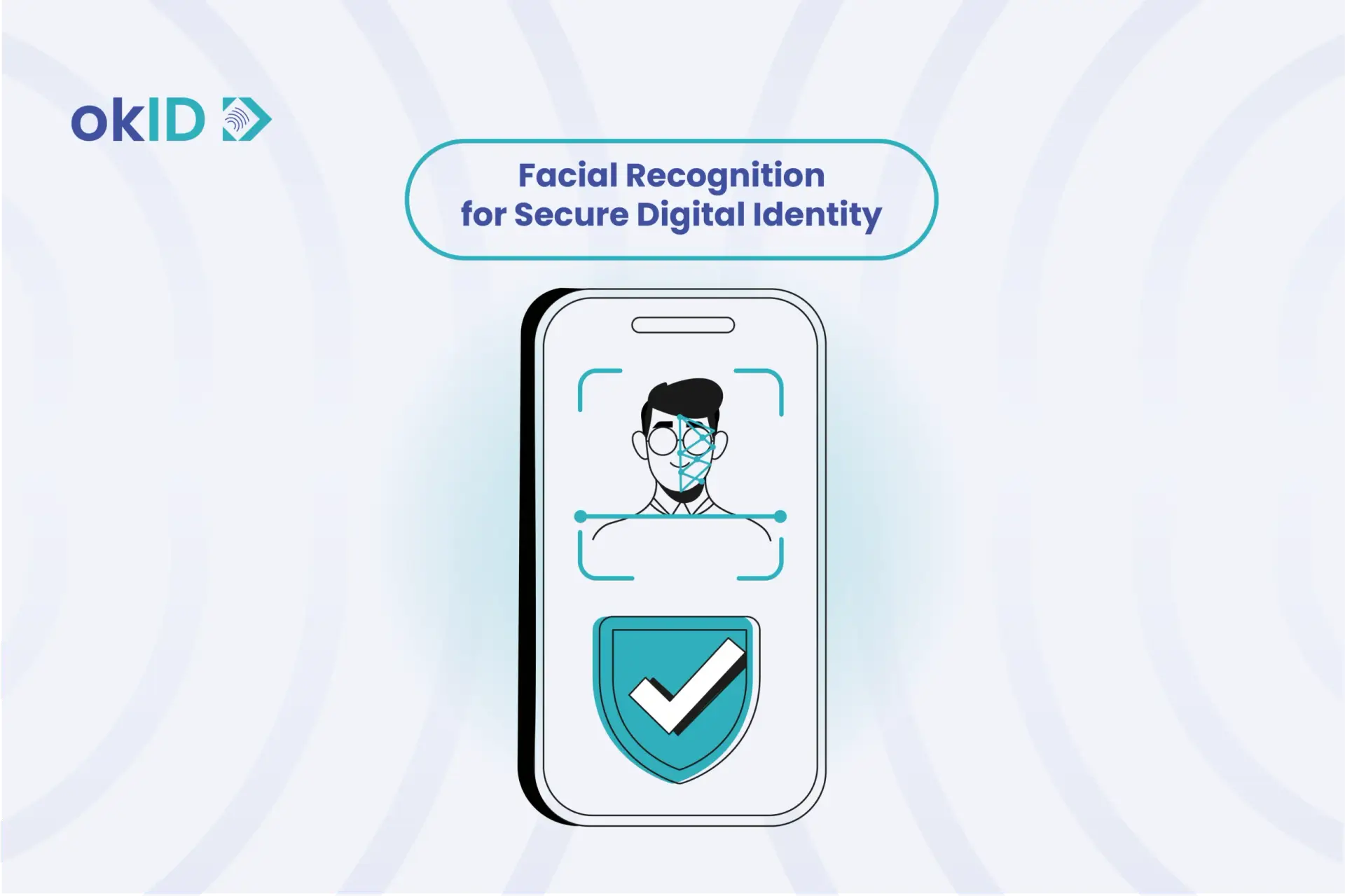
Facial recognition is a biometric technology that identifies people by analyzing their facial features, such as the distance between their eyes, the shape of their nose, and their facial contours. It can recognize individuals in photographs, recorded videos, or live camera feeds.
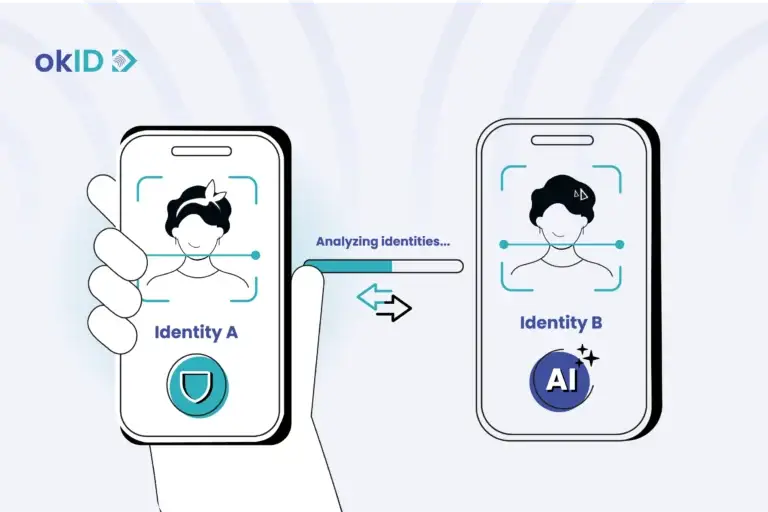
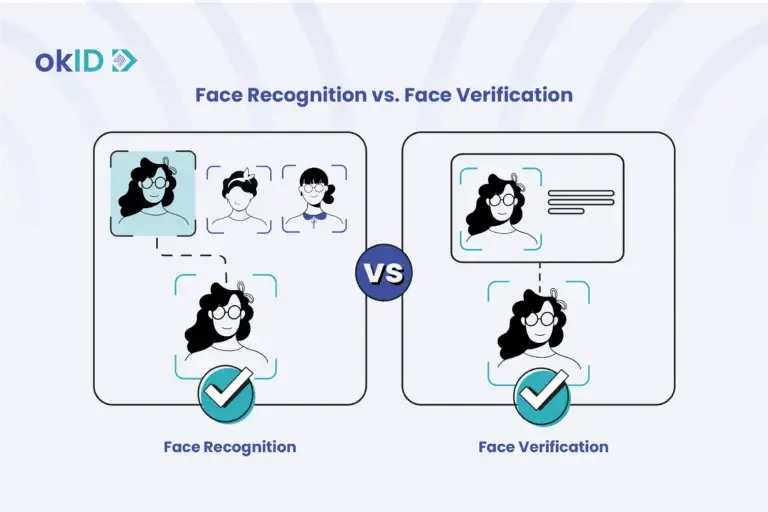
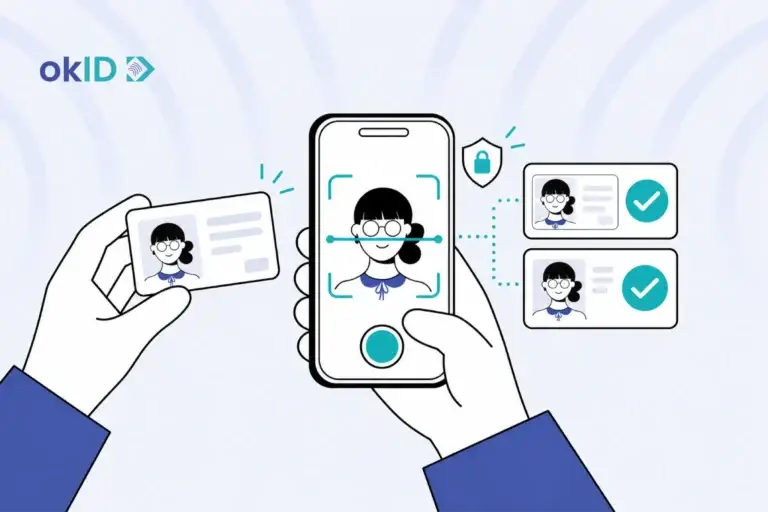
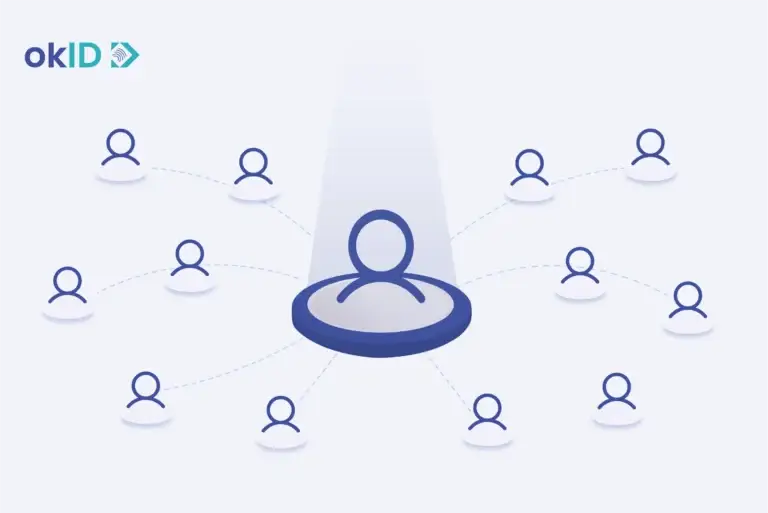
The technology converts facial features into a digital template and compares it with stored biometric records to find potential matches. For identification, a system can search one face against multiple records (1), such as when identifying someone in security footage. This is a one-to-many (1:N) comparison. Face verification uses a one-to-one (1:1) comparison to check whether a person’s face matches a specific identity record.
So how does facial recognition work? In this okID guide, we’ll look at the technology, real-world uses, benefits, limitations, and the security challenges it faces.
Key Takeaways
- Facial recognition uses AI and biometric data to recognize and identify people.
- It works by analyzing facial features and comparing them with stored facial records.
- The technology is used in areas such as banking, retail, airports, and healthcare.
- It can make identity checks faster, strengthen security, and help reduce fraud.
- However, risks such as deepfakes, spoofing, privacy issues, and false matches still need to be managed.
- Facial recognition is used to identify a person, while face verification checks whether someone matches the identity they claim.
What Is Facial Recognition Technology?
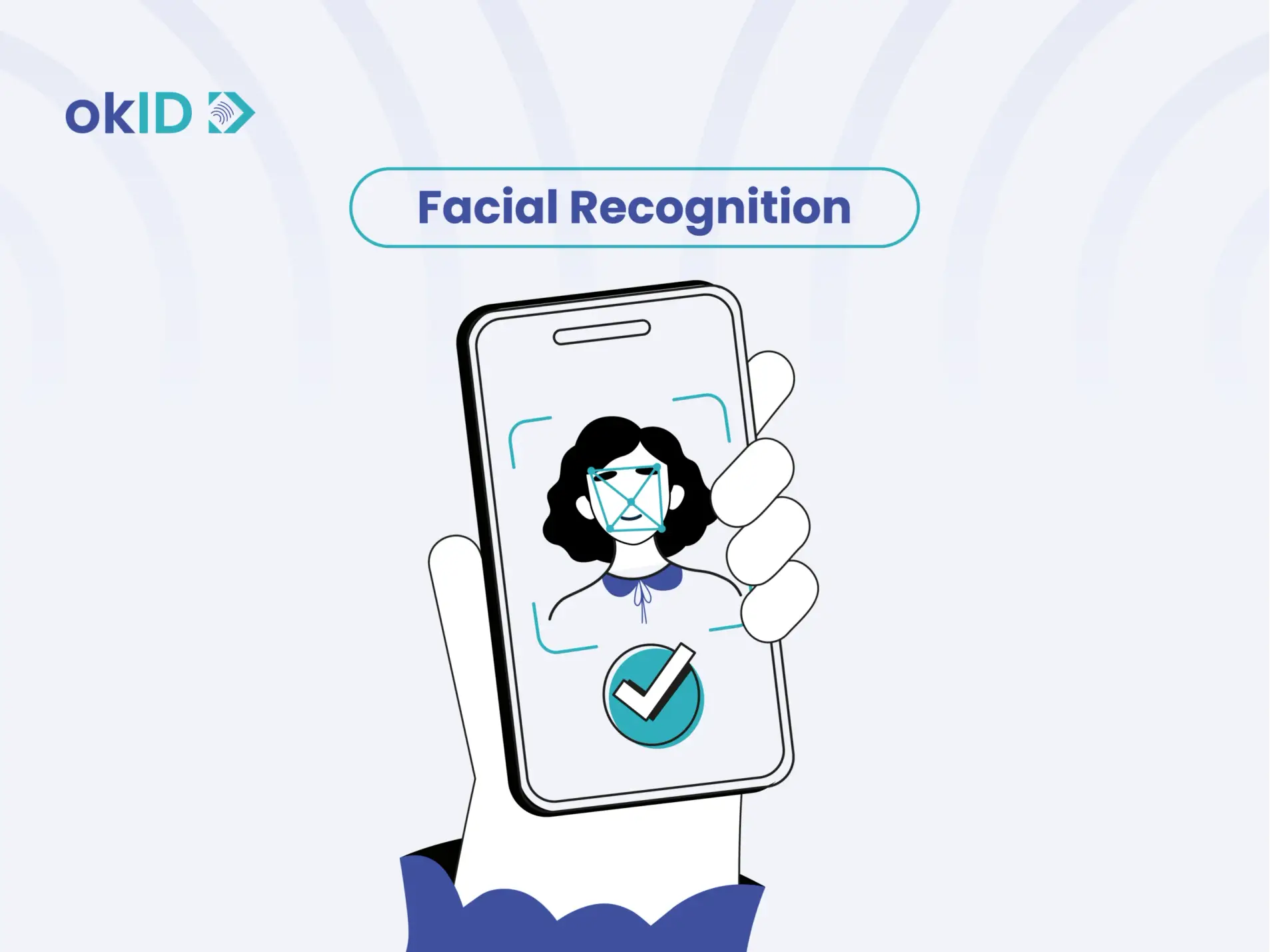
Facial recognition, or biometric face recognition, identifies people from images of their faces. It uses AI to examine details like the spacing between someone’s eyes and distinguish one face from another, whether the image comes from a photograph, a recorded video, or a live camera feed.
A security camera may show someone entering a building, but the footage alone won’t reveal their identity. Facial recognition searches a database of known faces to see who they might be. A possible match isn’t proof, though, and may need further review. Face verification is different. It checks a person’s face against a specific identity already on record.
According to Fortune Business Insights, the global facial recognition market was valued at around $8.83 billion in 2025 and is expected to reach $30.52 billion by 2034. The technology is now used for more than just security cameras. Banks use face verification during customer onboarding and account access, while other businesses use facial recognition technology to control entry to buildings and detect possible fraud.
What is a Facial Recognition System?
A facial recognition system combines cameras, AI-powered software, and a database of facial images to recognize people automatically. The camera is only one part of the setup. The software also needs reference images and a way to assess how closely a captured face resembles someone in its records.
The database an organization chooses determines which faces the system searches for. When it finds a possible match, some systems show a similarity score to indicate how closely the faces resemble each other. If the result is uncertain, a human reviewer can take a closer look before deciding whether the person has been identified.
What Are the Features of Facial Recognition Systems?
Key features of facial recognition systems include:
- Multiple-face detection: Finds individual faces in crowded scenes, including those captured from the side or at an angle.
- Facial template generation: Creates a digital faceprint from facial characteristics, giving the software a numerical representation to work with.
- Watchlist monitoring: Checks whether people on a watchlist appear in camera footage and flags possible sightings for further review.
- Image correction: Some advanced systems can adjust facial images captured at difficult angles or work with low-resolution footage.
- Face liveness detection software: Some systems include checks to distinguish a live person from a fake facial image, helping prevent impersonation attempts.
How Does Facial Recognition Work?
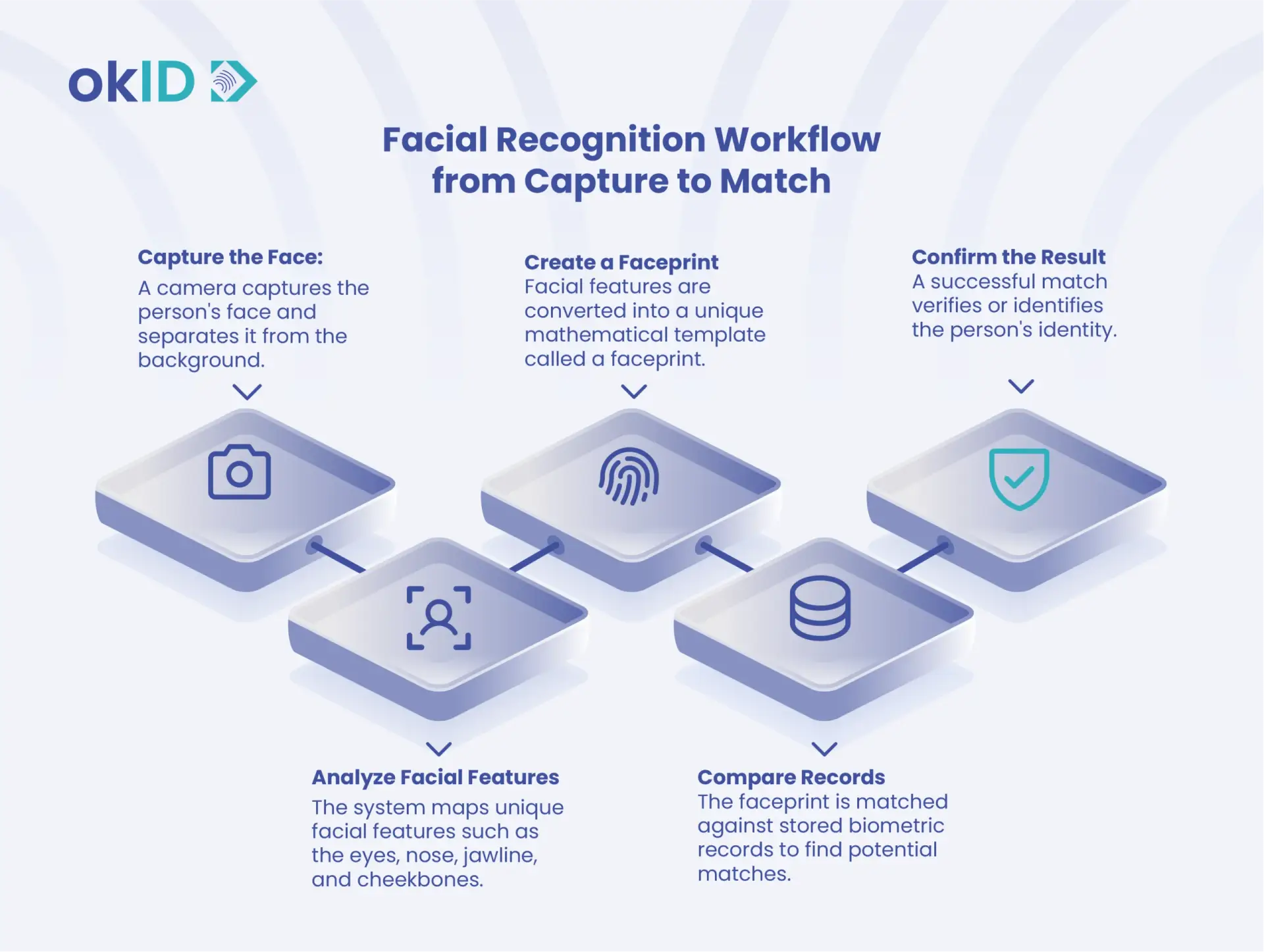
Facial recognition works by examining a face in a photo or video and checking whether it belongs to someone already in a database. The process involves four steps:
- Face detection: The software locates a face in the image and separates it from the background. It can also detect faces captured from the side rather than directly in front of the camera.
- Face analysis: The software examines facial landmarks and prepares the image for comparison, accounting for differences in facial position where possible.
- Faceprint creation: The facial information is converted into a numerical template called a faceprint. This allows the software to compare faces mathematically rather than relying on a visual inspection.
- Face matching: The system searches its database for faces with similar templates. It evaluates the similarity of the results and returns possible matches when they meet the required threshold.
What Is Facial Recognition Used For?
Facial recognition is used to identify people in security footage, control access to buildings, recognize registered customers, and support identity checks. Its role changes depending on where it’s used. The following examples show how organizations use facial recognition technology in various real-world scenarios.
Airports and Border Control
At some airports, such as Frankfurt Airport, passengers can register their facial biometrics before traveling or at a check-in kiosk. Cameras at participating checkpoints and boarding gates then recognize registered passengers, so they don’t have to show their boarding passes each time. Border authorities use facial recognition to compare travelers’ faces with passport records, while some systems check for people on watchlists.
Finding Missing Persons and Reducing Retail Crime
Law enforcement agencies use facial recognition to search for missing people, fugitives, and individuals captured in surveillance footage. For example, it operates a facial recognition system that helps investigators compare submitted images with records held in its databases.
In some stores, the system can compare customers’ faces with people on watchlists and send an alert if it finds a similarity to someone previously linked to theft or another security incident. The store’s security team can then review the alert instead of making a decision based only on the software’s result.
Enhancing Customer Experience
Some retailers use facial recognition to recognize customers who have enrolled in biometric services. This can connect a customer to their loyalty account or allow them to pay without presenting a physical card.
Brazilian supermarket chain St. Marche, for example, participated in a Mastercard and PayFace biometric checkout pilot. Registered shoppers could use facial recognition at checkout, linking their identity to the payment process.
Education, Workplace, and Gambling
Facial recognition technology can record students’ attendance as they enter school by comparing their faces with photos already stored in the system. In workplaces, this technology can also replace traditional attendance cards. Employees simply stand in front of a camera, and the door opens only if the system confirms that they are authorized to enter that area.
At Expo 2025 Osaka, Panasonic Connect supplied facial authentication technology for staff entry, combining facial checks with QR codes.
Casinos may also use facial recognition to spot visitors on self-exclusion lists. The aim is to alert staff when someone who has voluntarily agreed not to gamble attempts to enter or use gambling facilities.
Marketing and Advertising
Facial recognition can connect an enrolled customer’s identity with an existing loyalty profile, allowing a retailer to offer account-specific promotions or services. This requires the retailer to recognize the person, not simply detect that someone is standing in front of a screen.
An interactive ad might respond when someone smiles or looks at a particular part of the screen. That doesn’t mean it knows who the person is. The software may simply be tracking eye movements or reading facial expressions without identifying anyone.
Banking and Fintech
Banks and fintech companies can use facial recognition to detect duplicate accounts and investigate identity fraud. By comparing a customer’s face against existing records, the system may find the same person registered under different names.
For example, if two bank accounts have different identity details but matching facial images, the system can flag them for further investigation. Fraud teams can then review the records to determine whether the accounts are linked.
E-Commerce and Online Payments
Online marketplaces and payment platforms can use facial recognition to identify suspicious accounts. For example, a seller banned for fraudulent activity might register again using a different name and email address.
A seller who returns under a different name may still be linked to an earlier account through their face. If the platform finds that connection, the case can be reviewed before the new account is approved.
Cryptocurrency Exchanges
Crypto exchanges can use facial recognition to detect users who open multiple trading accounts under different identities. The system compares a new applicant’s face with existing records to find possible matches.
If a banned user comes back with a new name, the face may still give them away. A match with an earlier account can prompt the exchange to take a closer look before the new registration goes through.
Healthcare
Healthcare providers can use facial recognition to identify registered patients during check-in and help staff retrieve the correct patient records. Some systems are also being explored for controlling access to sensitive medical information. In these cases, facial recognition is used to reduce the risk of patient identification errors.

What Are the Advantages and Disadvantages of Face Recognition?
Facial recognition offers both advantages and disadvantages. It can improve security, convenience, and operational efficiency, but it also raises concerns about privacy, accuracy, surveillance, and data protection.
The table below compares the main advantages and disadvantages of this technology:
| Advantages | Disadvantages |
| Strengthens identity verification and access control | Raises questions about consent and biometric data collection |
| Speeds up onboarding and authentication | It can enable large-scale monitoring in public spaces. |
| Reduces fraud and impersonation risks | Lighting, aging, and facial changes can affect results |
| Lowers operational costs and manual reviews | May perform unevenly across different demographic groups |
| Supports KYC, AML, and compliance requirements | Biometric databases can become targets for cyberattacks |
| Improves customer experience and convenience | Requires secure storage, protection, and governance of sensitive data |
How to Protect Yourself from Facial Recognition Threats?
A stolen password can be replaced. Your face can’t. That’s what makes the misuse of facial biometric data particularly concerning. Once someone obtains your facial images or biometric information, the consequences may extend beyond a single compromised account. Facial recognition also brings risks of unauthorized surveillance, mistaken identification, and fraud involving manipulated images or AI-generated videos.
Although you can’t prevent every misuse of facial recognition, you can take steps to protect your data and recognize suspicious activity.
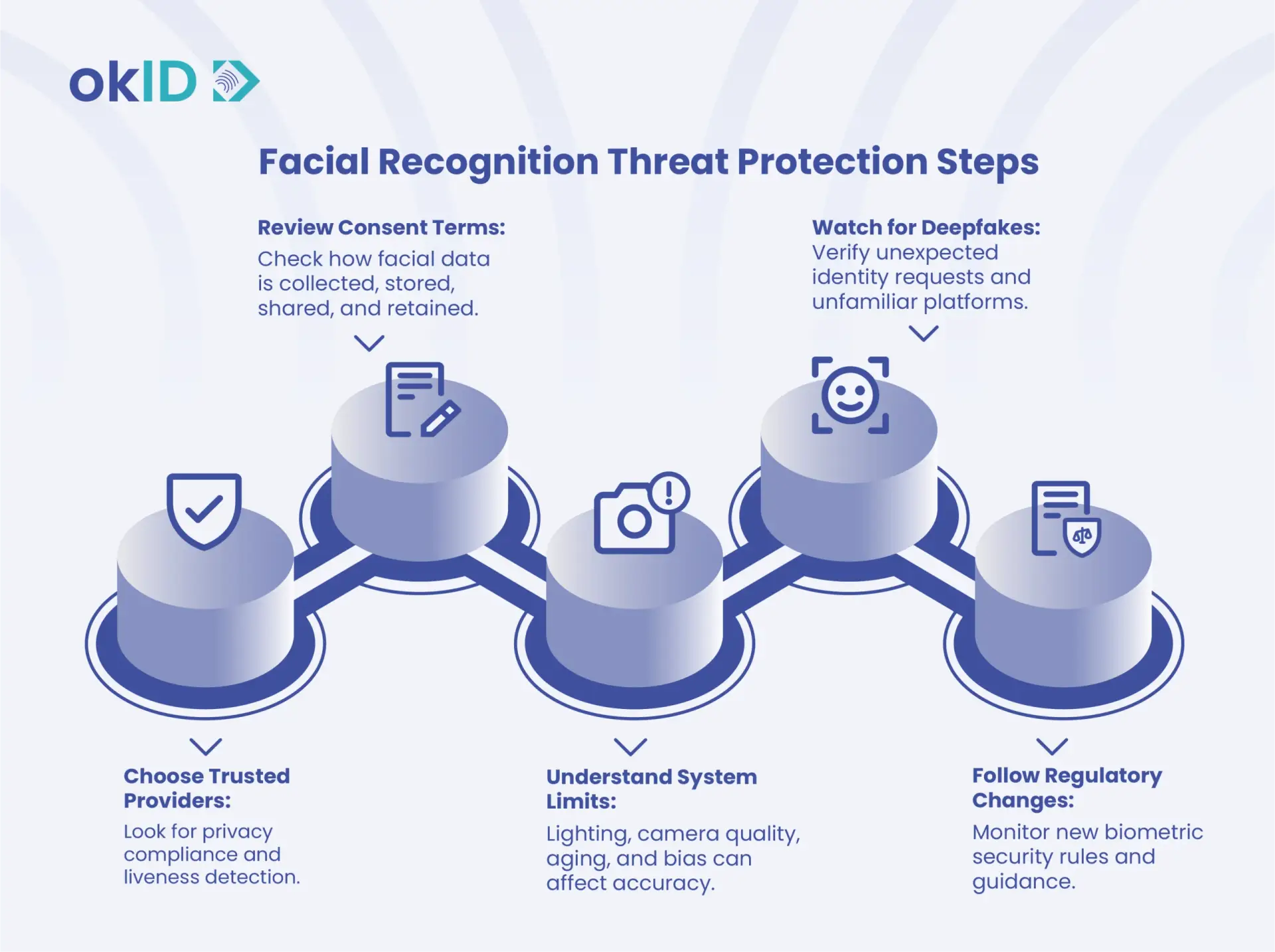
1. Choose Providers That Protect Biometric Data
Before using a facial recognition service, find out how it protects your information. A reliable provider should explain where it stores biometric data, who can access it, and what happens to that information when you stop using the service.
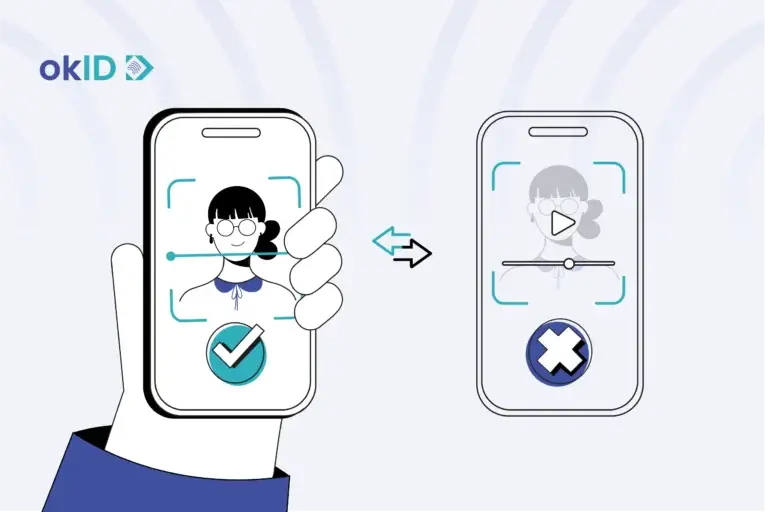
A printed photo, a recorded video, or a realistic mask could fool a poorly protected facial authentication system. Liveness detection is designed to spot these attempts and distinguish a real person from a fake, but it can’t catch every type of biometric fraud.
Passive liveness detection analyzes the captured image without asking the user to perform any extra actions. Active liveness detection asks the user to follow prompts, such as blinking or turning their head, to help confirm they are physically present.
When considering identity verification software like okID, in addition to checking whether the selfie matches the photo on the identity document, look at how the system detects fake faces, identifies altered documents, and protects users’ personal information.
2. Check Consent and Privacy Settings
Before using facial recognition, check what information the service keeps about you. For example, find out whether it stores your original photo, creates a biometric template from your face, or shares this information with other companies.
It is also worth checking the service’s data retention policy and whether you can delete your biometric data. Be careful about making facial images publicly available, too. Photos shared openly on social media may give fraudsters material to create fake profiles or manipulated images. Adjusting your privacy settings can limit who sees those photos.
Under the GDPR, biometric data used to uniquely identify someone receives special protection. Explicit consent is one permitted basis for processing it, although other legal exceptions may apply.
3. Understand Recognition Errors
A facial recognition result isn’t always correct. Poor lighting, an unusual camera angle, or changes in someone’s appearance can affect whether the software recognizes them.
A false match becomes especially serious when the system wrongly links an innocent person to someone on a security watchlist. Accuracy can also vary across demographic groups, depending on the algorithm and the quality of the images.
If a facial recognition system identifies you incorrectly, ask the organization to review the result again or refer it to a human reviewer. For sensitive accounts, it is also better to use another authentication method alongside facial recognition where possible, so security does not depend on a single method.
4. Watch Out for Deepfakes and Spoofing Attacks
A photograph held in front of a camera is one way to fool a weak facial recognition system. Criminals now have more sophisticated options, including AI-generated faces, deepfake videos, and altered identity photographs.
Some attackers even use virtual cameras or other software to feed a fake video directly into a verification system. Others create morphed images that combine facial features from different people, making a fraudulent identity document harder to detect.
These attacks aren’t limited to automated identity checks. A convincing deepfake video call might appear to come from a bank employee or someone you know.
If you receive an unexpected request to submit a selfie, verify your identity, or share account details, contact the organization through its official website or app. Don’t trust a familiar-looking face on a video call as proof of identity.
5. Keep Up With Facial Recognition Regulations
Rules governing facial recognition and biometric identity verification differ by country and by how the technology is used. In Europe, the EU AI Act prohibits certain biometric surveillance practices and classifies specified remote biometric identification systems as high-risk.
The NIST guidelines published in August 2025 also address face morphing attacks, including how organizations can detect manipulated photographs and investigate suspicious results.
If an organization collects your facial data, check what rights you have to access, correct, or request deletion of that information under the laws that apply to you. Knowing how your data is used makes it easier to question unnecessary collection or challenge an incorrect identification.
How okID Helps Businesses Streamline KYC and Customer Onboarding
Understanding Face Recognition vs. Face Verification helps clarify what okID checks during onboarding. okID doesn’t identify unknown people by searching facial databases or watchlists. Instead, it checks whether a customer’s selfie matches their ID photo through face verification. It also uses liveness detection to spot spoofing attempts and document verification to check for signs of a fake or altered ID.
During onboarding, okID helps confirm that the person applying is the same person shown on the identity document. It also looks for signs that the document has been altered or that someone is trying to pass the check with a photo, video, or other spoofing method.
Through its API, these checks can run inside the company’s existing KYC or onboarding flow, so routine verifications do not have to be handled manually and suspicious cases are easier to identify.
FAQs
1. How Accurate Is Facial Recognition?
Accuracy changes a lot depending on the conditions. In NIST testing cited by CSIS, the top facial identification algorithm recorded an error rate of just 0.08%. In real-world use, though, results can shift with factors such as camera angle, lighting, image quality, and the algorithm being used.
2. Does Facial Recognition Use AI?
It does. Facial recognition relies on AI to turn a face into data the system can compare with reference images. That is what allows it to find likely matches without someone having to review each image manually.
3. How Does Facial Recognition Work on Mobile Devices?
When someone looks at their phone, the device checks whether the face in front of the camera matches the one enrolled during setup. On iPhones with Face ID, infrared sensors and depth mapping create a more detailed three-dimensional view of the face rather than relying on a standard photo alone. If the device recognizes the user, it can unlock the screen, approve a payment, or open a supported app.
4. Should Facial Recognition Be Fully Automated?
Not always. If facial recognition is being used to unlock a phone, automation may be enough. But if a match could stop someone from entering a building or wrongly link them to a suspect, a person should review the result before any action is taken.
5. Can Facial Recognition Produce False Matches?
Yes. A false match occurs when the system mistakenly identifies two different people as the same person. Poor lighting, low-quality images, and similarities in facial appearance can increase the risk of these errors.
6. What Is a Confidence Score in Facial Recognition?
When a facial recognition system compares two images, it usually returns a score rather than a simple yes or no. That score reflects how similar the faces appear to the algorithm. A higher score suggests a closer match, but it still does not prove that both images show the same person.
7. Can Facial Recognition Identify Someone After Plastic Surgery?
Sometimes, major changes to facial structure can make recognition more difficult. Research has found that procedures such as facelifts can affect how well algorithms match photos taken before and after surgery. Updating registered facial images may be necessary when someone’s appearance changes significantly.
8. What Is the Difference Between Face Detection and Facial Recognition?
Face detection finds human faces in an image without determining who they belong to. Facial recognition goes further by comparing those faces with existing records. A security camera, for instance, might detect five people in a room without being able to identify any of them.