Entering a verification code every time you log in gets frustrating, especially when you’re using the same phone as always. Passive authentication works without asking users to take any extra action. It checks details like the device they’re using and their usual login habits. If something looks suspicious, the system can ask for another identity check.
In this article, we’ll explain how passive authentication solutions work, their benefits, and why businesses use them.

Key Takeaways
- Passive authentication looks at how someone types or swipes, along with the device and IP address used to sign in.
- Passive authentication solutions allow familiar logins without a code but may require extra checks for unfamiliar devices.
- Combining passive and active authentication with biometric verification and face liveness detection helps protect against identity fraud and account takeover.
- Businesses use this approach to reduce unnecessary steps during onboarding, login, checkout, and account recovery.
- Banking, fintech, ecommerce, marketplaces, telecom, and travel are among the industries using passive authentication to improve security and user experience.
What are the benefits of Passive Authentication?
According to Verizon, 22% of security breaches begin with credential abuse, 16% of attacks start with phishing, and nearly 88% of basic web application attacks involve stolen credentials. Some of the benefits of passive authentication include:
Business Benefits
- Stronger fraud prevention: Ongoing monitoring can catch suspicious behavior after login, not only when someone signs in.
- Faster onboarding: Low-risk users may need fewer extra authentication steps while still completing required KYC checks.
- Higher conversion: Customers are less likely to abandon checkout if they don’t have to enter another verification code.
- Lower operational costs: Staff spend less time reviewing logins that show no signs of unusual activity.
- Better account security: Someone signing in from an unfamiliar device may be asked to confirm their identity before getting access.
- Real-time intervention: If someone tries to change payment details shortly after a suspicious login, the system can flag the request before it goes through.
User Benefits
- Less friction: Customers don’t have to enter another code or answer security questions just to check their bank balance.
- Faster access: On a familiar device, they may be able to log in straight away instead of waiting for an OTP.
- Better accessibility: According to W3C accessible authentication guidance, people who have difficulty typing or reading instructions may find authentication easier with fewer steps to complete.
- Fewer OTP issues: Users are less likely to be held up by expired codes when extra verification isn’t required.
- More confidence: Users can access their accounts without repeated interruptions while security checks continue in the background.
How Does Passive Authentication Work in Real Systems?
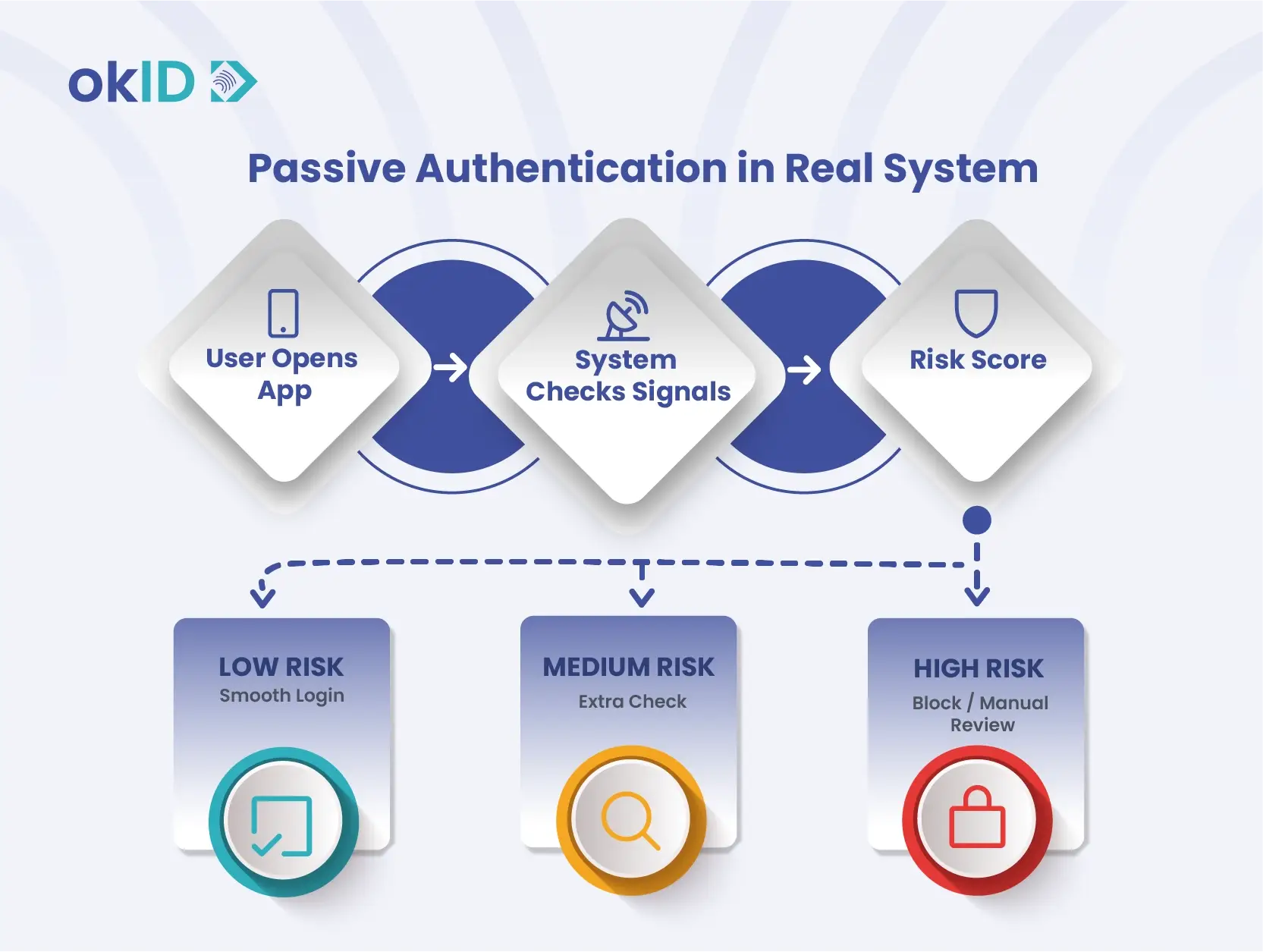
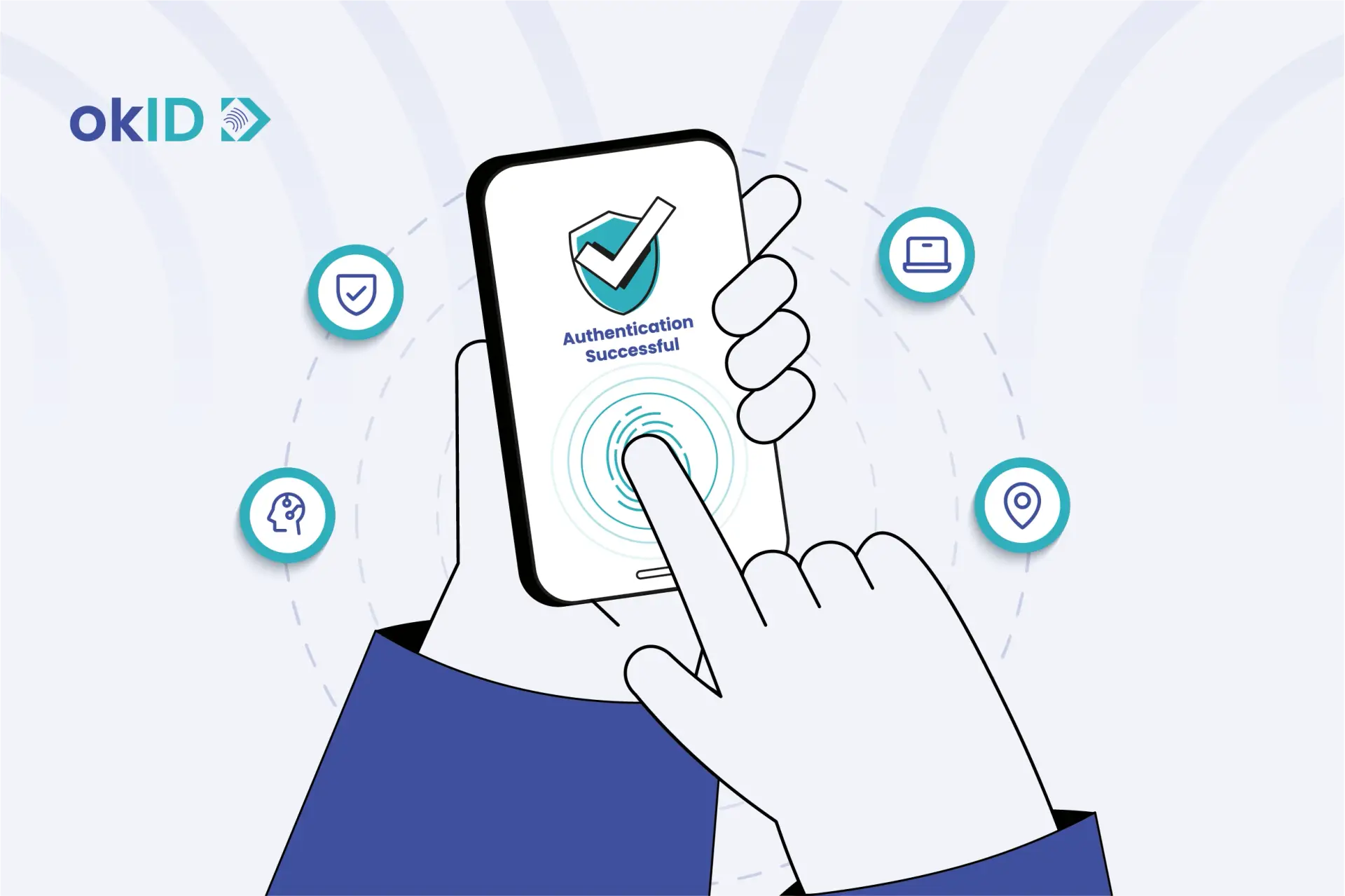
Passive authentication combines multiple pieces of evidence and indicators, including background signals from the user, device, network, and session, and converts them into a Risk Score.
Low-risk sessions continue without any additional steps, allowing users to log in smoothly. In contrast, high-risk sessions trigger additional authentication, manual reviews, transaction restrictions, or even access blocking. This demonstrates Risk-Based Authentication in practice, where the system adjusts security measures dynamically based on the risk level.
For example, imagine that you are a seller on a marketplace and you usually log in to your account using your iPhone 17. Your typing speed, scrolling behavior, and the way you open pages naturally follow a consistent pattern. Now, if you change your mobile phone or use a proxy to log in, the system may flag the login as suspicious and ask for an additional identity check.
What Signals Does Passive Authentication Check?
Some of the main factors that passive authentication evaluates include:
- User behavior (typing, tapping, swiping, scrolling)
- Device familiarity
- IP address, location, browser, and network consistency
- Biometric signals
- Signs of fraud, automation, or account takeover
How to implement passive authentication
Organizations can implement passive authentication in four steps, keeping the onboarding process simple and accessible without compromising security.
1. Define Security Requirements
Decide which biometric checks your onboarding process needs and set confidence thresholds based on the level of risk.
2. Simplify Biometric Capture
Let users complete a single face capture while the system runs biometric checks in the background. Avoid unnecessary gestures, voice instructions, or repeated camera adjustments.
3. Account for Different Users and Devices
Test the process on different devices and in different lighting conditions. Check that people with accessibility needs can also complete verification.
4. Provide Alternative Verification Options
If passive authentication fails, give users another way to verify their identity or request a manual review. Set clear limits on retries to prevent misuse.
Behavioral Biometrics: Reading the User’s Digital Rhythm
Someone using a stolen password or intercepted one-time code may still interact with a device differently from its usual owner. Behavioral biometrics looks at how people type, move their mouse, use their phone, or interact with an app. The system compares these patterns with previous activity to spot unusual behavior.
Some of the signals it may use include:
- Keystroke Dynamics: How quickly someone types, how long they pause between keystrokes, and their usual typing rhythm.
- Mouse Movements and Touch Gestures: How users move the cursor, scroll through pages, swipe, and interact with a touchscreen.
- Walking Style and Phone Handling: How someone holds, tilts, carries, or moves their phone, using data from available motion sensors.
- Navigation Patterns: Which pages users visit, the order they follow, and how they move through an application.
Key Technologies Driving Passive Authentication
Passive authentication uses different technologies to check for unusual activity, including:
Behavioral Biometrics
Looks at how users type, move their mouse, swipe, scroll, navigate an app, walk, and hold their phones.
Device Intelligence
Checks whether the device, browser, and software match what the user normally uses.
Device Fingerprinting
Builds a profile from device details to help detect when someone accesses an account from a different device.
IP Analysis
Checks whether a login comes from a suspicious IP address or a connection that hides the user’s actual location.
Geolocation
A login from Tokyo just minutes after one in Paris could raise a warning.
Additional Biometric Checks
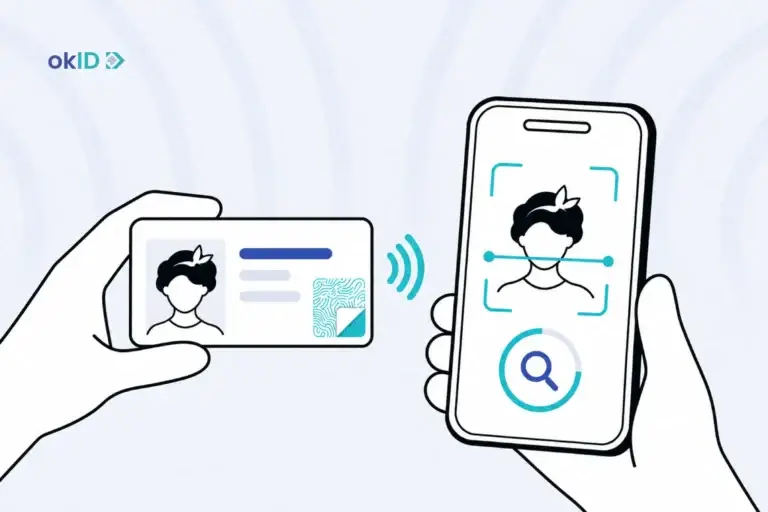
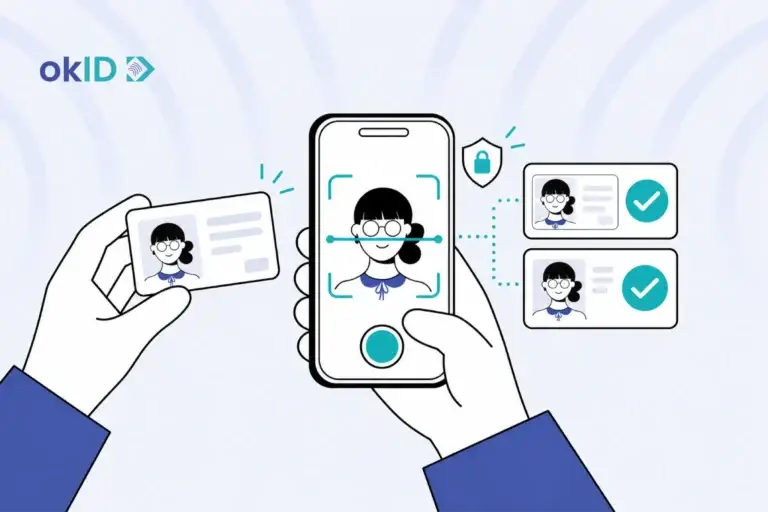
A business may ask users to take a selfie to confirm they match their ID photo and are physically present. Voice recognition is another option for additional verification.
Contextual Data
Checks whether activity fits the account’s history, such as a large payment made shortly after an unusual login.
Active and Passive Authentication
With active authentication, users must take an action to prove their identity, such as entering a password, approving a login request, or using their fingerprint.
Passive authentication solutions work differently. They check signals such as device information, location, and user behavior in the background to determine whether a login appears suspicious.
Businesses often use both methods together. For example, a customer logging in from their usual device may not need an extra check. But when the system detects an unfamiliar device or unusual activity, it may request a verification code or another form of active authentication.
The table below compares the two methods:
| Feature | Active Authentication | Passive Authentication |
| User action | Requires a password, OTP, fingerprint, or another verification step | Usually requires no direct action from the user |
| Timing | Commonly used during login, payment approval, or account changes | Can run during login and other account activities |
| User experience | May interrupt the user to request verification | Usually works without interrupting the session |
| How it works | Checks credentials or other proof provided by the user | Assesses device, behavioral, location, and contextual signals |
| Best used for | Confirming identity during sensitive or high-risk actions | Detecting unusual activity and deciding when extra verification is needed |
| Limitations | Some methods are vulnerable to phishing, stolen credentials, or intercepted codes | Results can be affected by changes in user behavior, device information, or location, and raise privacy concerns |
Passive vs. Active Liveness Detection: What’s the Difference?
The main difference between active and passive liveness detection is what users need to do in front of the camera. Both methods check whether a real person is present or someone is trying to fool the system using a fake photo or video.
With Active Liveness Detection, the system asks users to blink, turn their heads, or perform a specific movement. It then examines their response to check whether they’re physically present.
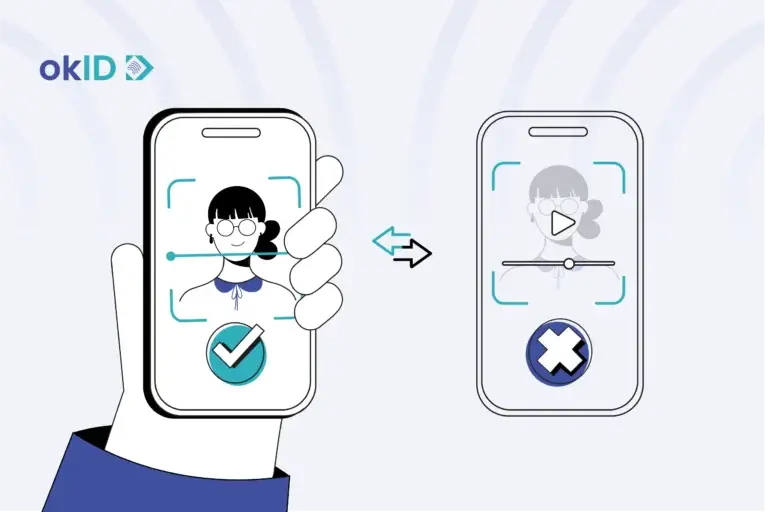
Passive Liveness Detection works differently. Users only need to take a selfie. The system analyses the image for signs of spoofing without asking them to make any additional movements. Improvements in smartphone cameras and image-processing technology have also helped make this method more widely used.
Passive liveness involves fewer steps and offers a simpler user experience. However, choosing between the two methods depends on the required level of security and the system’s capabilities. The term passive authentication sometimes refers to passive liveness detection and sometimes to background checks of user behaviour and device information.
Passive Authentication Inside KYC and Onboarding
When users go through the KYC process, many abandon it due to excessive and burdensome requirements. For example, when a person wants to create an account, rent a vehicle, or join a marketplace, they may hesitate when asked to upload documents or take a selfie. As a result, some give up when the process involves too many steps. Passive authentication adds value at this point by reducing unnecessary authentication steps without replacing required KYC checks.
During onboarding, passive authentication solutions can flag an application coming from a suspicious IP address or a device linked to previous fraud. The business still needs to check the applicant’s identity document and compare their selfie with the ID photo. If nothing appears unusual, the user may not need to complete additional authentication steps.
For KYC applications, the Use Cases section below explains how businesses can use biometric face recognition.
Passive Authentication Use Cases by Industry
The industries below can use this technology at different points to check for possible fraud without interrupting every customer.
Fintech
Checks for unusual activity when someone creates an account, logs in from a new device, or tries to recover their account.
Banking
A login from an unfamiliar phone or a large transfer may lead to an extra security check.
Ecommerce
Checks the device and login details during checkout to spot possible fraud.
Marketplaces
A seller changing their payout details from a new device may be asked to verify their identity again.
Travel
Booking platforms can check for unusual activity when customers make reservations or access their accounts.
Telecom
A SIM swap request from an unfamiliar device may trigger further checks before the change goes through.
Contact Centres
A caller’s voice can be compared with a previously recorded voice sample during the conversation, without asking them to answer extra security questions.
How Does Passive Authentication Support Biometric Verification?
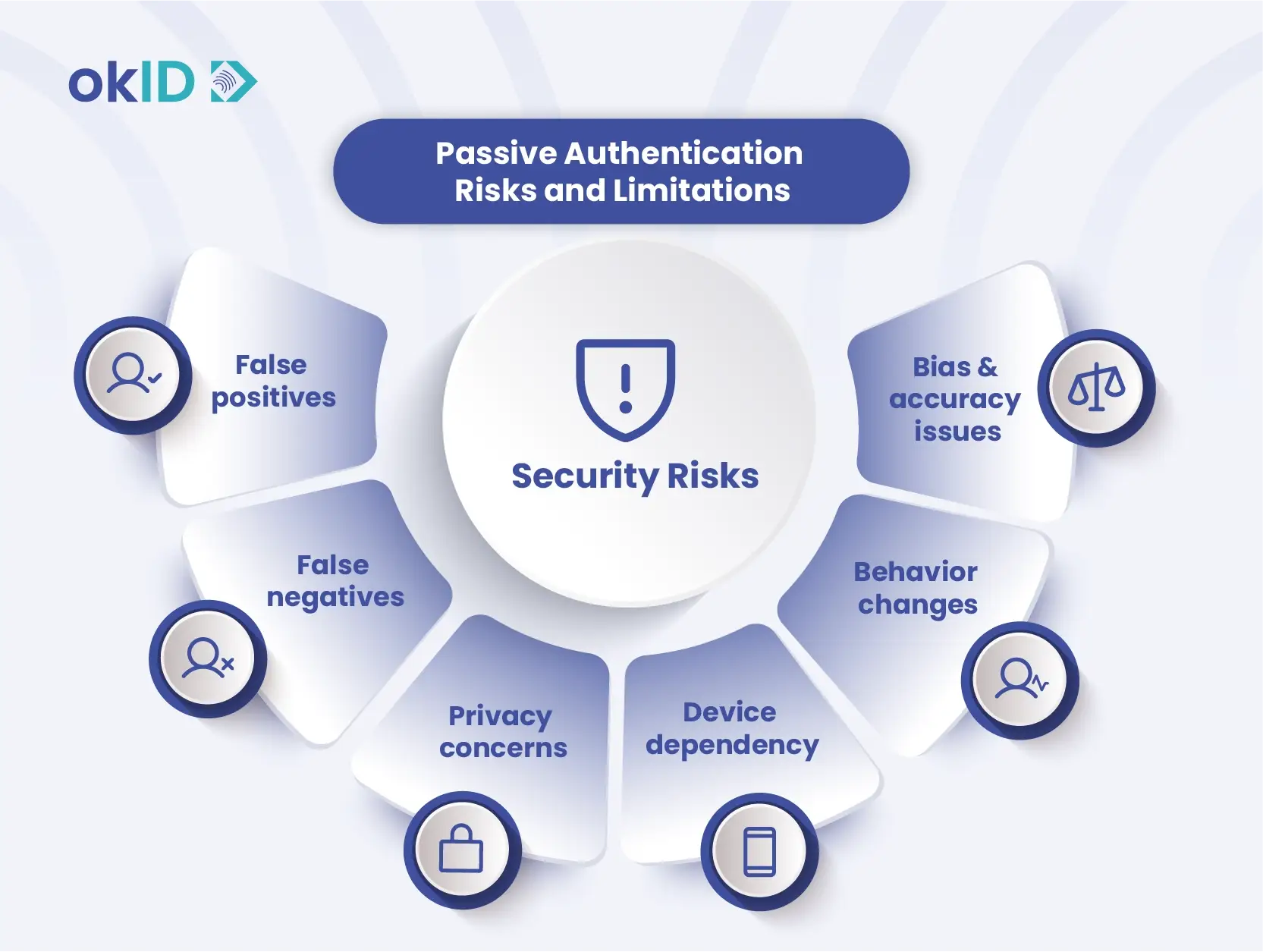
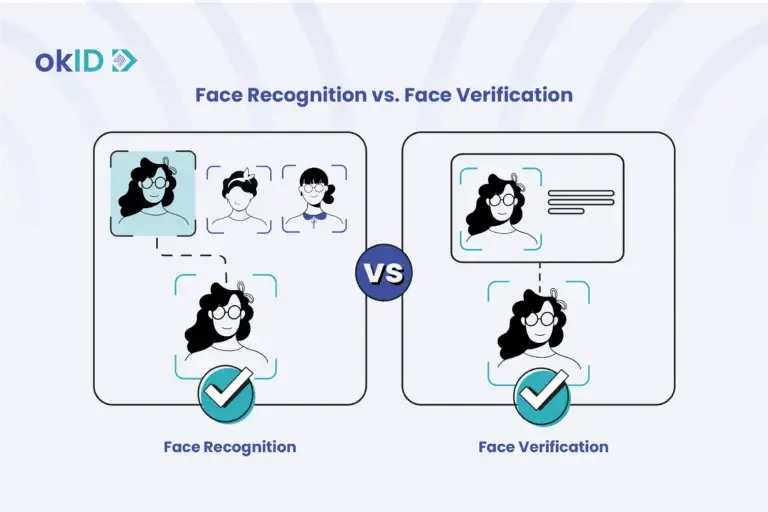
Passive authentication and biometric face recognition work well together because they answer different questions.
- Biometric checks ask: Does this face or voice match the person on record?
- Passive signals ask: Does anything about this login look suspicious?
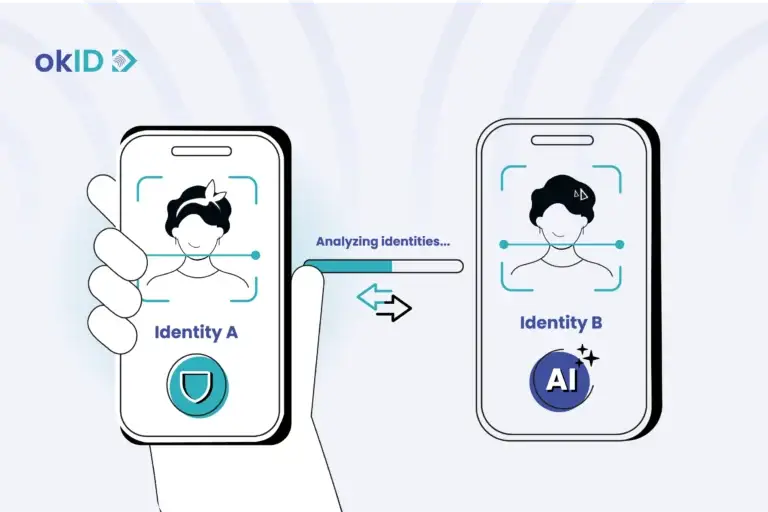
Even if a selfie matches the photo on an ID, it doesn’t tell you whether the device being used is familiar. A fraudster might use a stolen ID, a replayed image, or a manipulated video. Background signals add context. For example, a login from an unfamiliar device after several failed attempts may need a closer look.
Face liveness detection software strengthens the authentication process by helping detect attempts to fool the camera with a printed photo, a screen replay, a mask, or a synthetic face.
For passwordless login, passive authentication can help detect suspicious activity without asking users to complete extra checks every time.
Passive Authentication examples
Passive authentication becomes especially important for platforms with large user bases or high-value users. The following examples illustrate its use in practice:
- A fintech application that processes thousands of daily registrations avoids sending every legitimate user into a manual review queue.
- An e-commerce store prevents restrictions or account blocks from disrupting checkout for loyal customers.
- A marketplace prevents fraudsters from changing settlement or payment information without being detected.
- A travel booking platform prevents fraudulent bookings while still allowing legitimate last-minute travelers to complete reservations smoothly.
What are the Security Risks and Limitations of Passive Authentication?
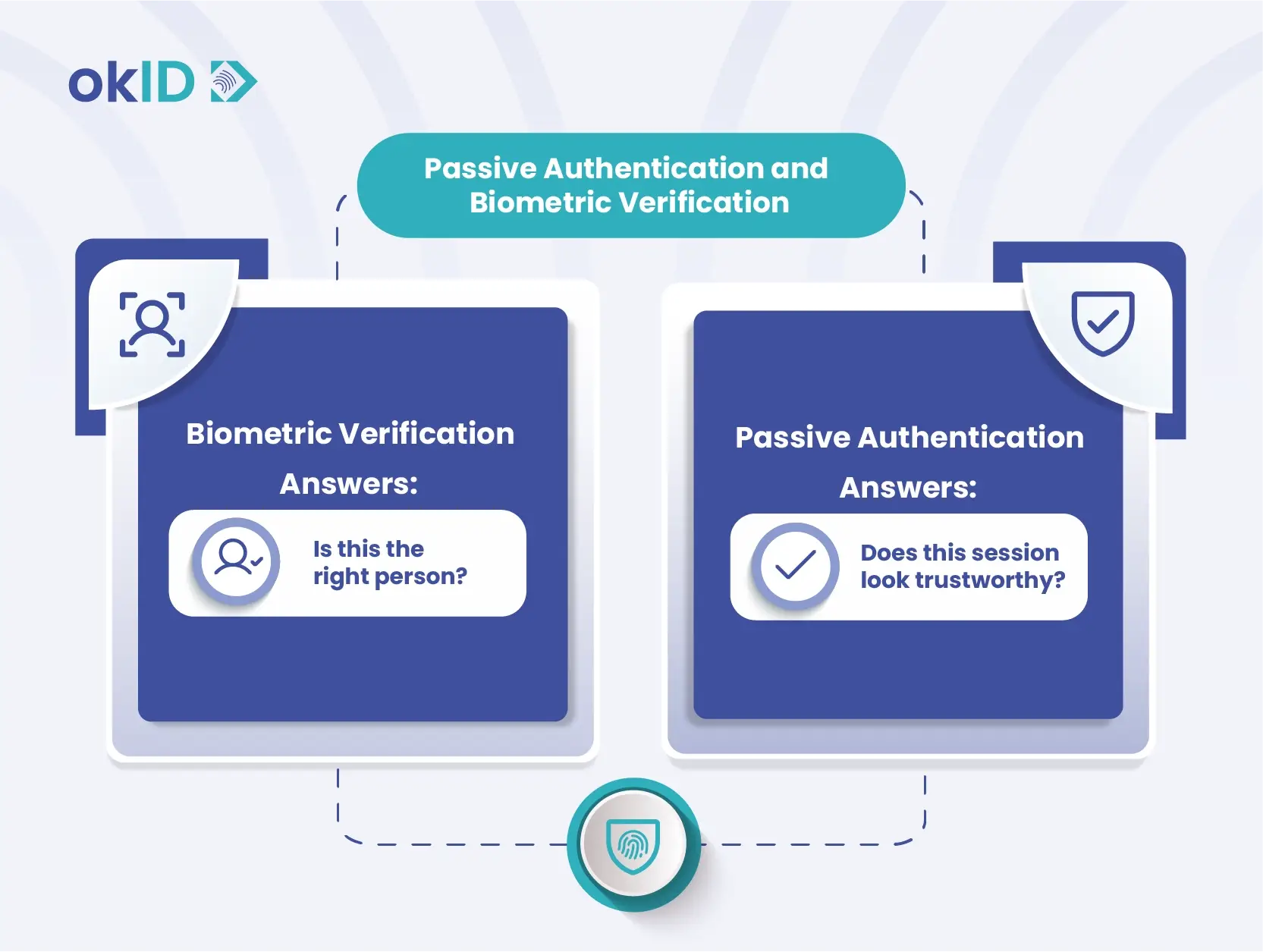
Like all identity verification systems, Passive authentication also has its own risks and limitations. Some of the most important ones include:
- False positives occur when the system incorrectly flags legitimate users as suspicious due to travel, device changes, VPN usage, or deviations from their normal behavior.
- False negatives occur when sophisticated attackers bypass the system because their signals appear normal and trustworthy.
- Privacy concerns arise when systems collect behavioral, device, location, and biometric data without proper transparency and accountability.
Device dependency reduces system effectiveness when users replace, reset, lose, or share trusted devices. - Behavioral inconsistencies occur when illness, disability, stress, unfamiliar keyboards, or accessibility tools change a user’s normal behavior.
- Accuracy and bias issues appear when biometric and behavioral models fail to perform consistently across diverse user groups.
- Legal and regulatory pressures affect how organizations implement these systems, including GDPR, KYC requirements, data retention rules, and user consent laws.
Traditional authentication methods are no longer as effective as they once were. In fact, 22% of security breaches begin with credential abuse, 16% of attacks start with phishing, and nearly 88% of basic web application attacks involve stolen credentials.
Passive Authentication: The Smarter Way to Protect Users!
In a world where users expect online services to be fast, simple, and hassle-free, balancing security and user experience has become one of the biggest challenges for businesses. Passive authentication creates that balance by continuously assessing risk and detecting suspicious activity without adding extra steps for users.
If you are planning to implement a passive authentication solution for your website, application, or any platform, an identity verification platform such as okID can help you throughout the process.
FAQs for Passive Authentication
What is passive authentication used for?
Businesses use passive authentication during account logins, online purchases, and account recovery. The system checks device information and user activity patterns in the background, asking users to complete additional security checks only when it detects suspicious behavior.
Is passive authentication secure?
Yes, especially when businesses combine passive authentication with other methods, such as biometric verification and face liveness detection.
What is the difference between active and passive authentication?
The most important difference between active vs passive authentication is that active authentication requires user action, whereas passive authentication verifies trust in the background through behavior, device data, IP analysis, geolocation, context, and biometric signals.
How does passive authentication improve user experience?
Passive authentication solutions allow users to log in more easily, complete the onboarding process faster, make purchases more quickly, and avoid answering too many security questions.
Does passive authentication replace traditional methods?
Not exactly. This system works more like a smart filter that handles simple tasks on its own, but when something unusual happens, classic methods are still used.
What types of data are used in passive authentication?
Instead of relying on a single signal, the system combines multiple signals, such as user behavior, IP, location, device data, and even interaction history, to build an overall picture of risk.
Can passive authentication stop fraud?
Although completely preventing fraud is almost impossible, this method helps identify many suspicious behaviors before they cause harm.