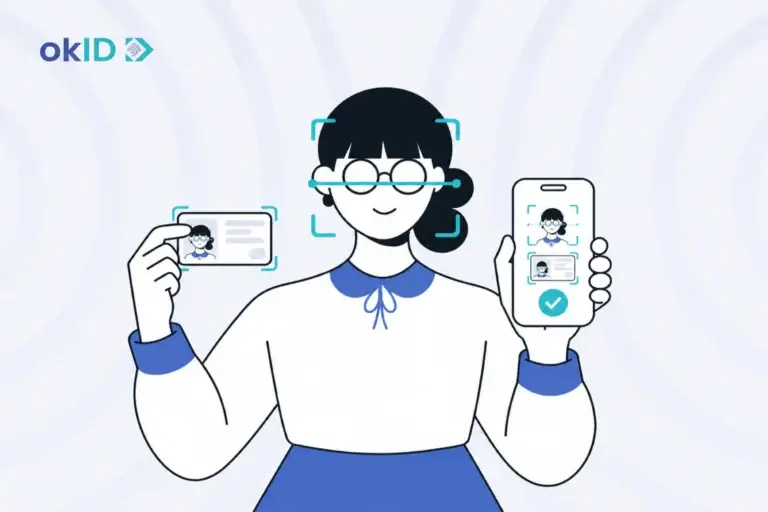

Employee document verification provides HR teams with a clear way to assess a candidate’s identity document and confirm it belongs to the person presenting it before onboarding proceeds.
However, an uploaded ID alone does not show that the document is genuine, unaltered, or being presented by its rightful holder.
In employee onboarding verification, face matching or liveness checks can be paired with document verification results to link the ID to the candidate. Unclear results are routed to manual review.
Key Takeaways
Before onboarding moves ahead, HR needs to know what the identity check established and which cases still need review.
- An ID upload is only the first step; the document must pass the configured checks.
- Need to tie the candidate to the ID? Face matching or liveness can add presenter evidence.
- Remote hiring raises the stakes because identity theft and impersonation can occur without an in-person handoff.
- An unclear result belongs in review.
What Is Employee Document Verification?

Employee document verification starts with the ID itself. The flow checks the document and extracts the identity data it can read. Face matching or liveness is part of a separate presenter check, and NFC is available only for supported electronic IDs.
| Check | What it assesses | Why it matters |
|---|---|---|
| Identity-document verification | Is the ID readable, valid, and supported by the available document checks? | An uploaded image is not the same as a checked document. |
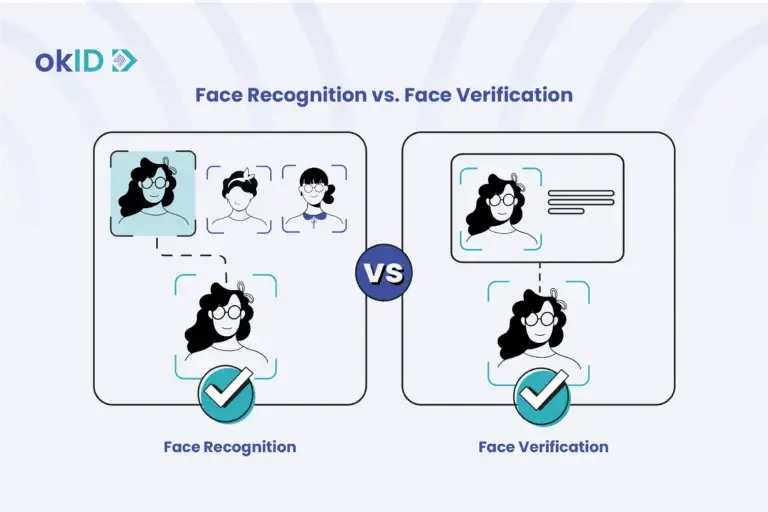
| Candidate face matching | Does the candidate match the portrait on the identity document? | The document result is tied to the person completing the check. |
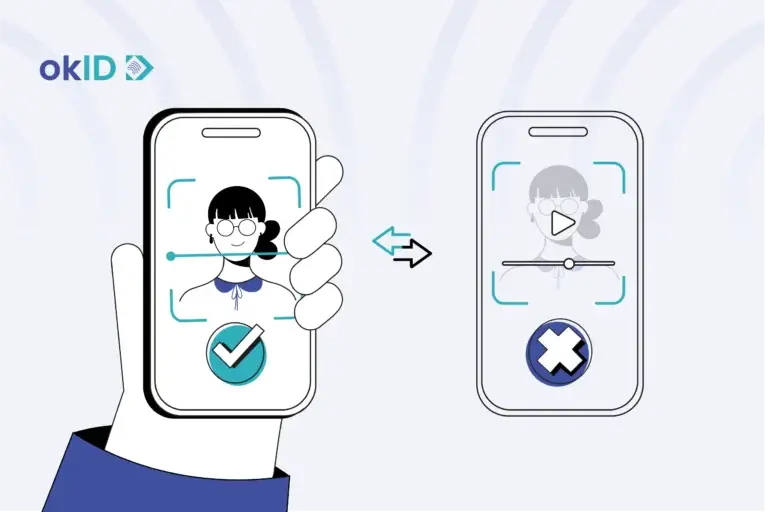
| Liveness detection | Is a real person present during biometric verification? | It adds evidence that a live person is taking part in the remote check. |
| NFC verification | Can supported electronic identity-document chip data be read? | Chip data gives the flow another source of document information. |
A document result tells HR about the ID, and face matching or liveness adds evidence about the person presenting it. Candidates may also submit diplomas and payslips. Employment letters are another supporting record, and any of these documents can be forged or altered. Credential checks sit outside identity-document verification; right-to-work and background screening follow their own processes.
Collecting candidate IDs outside the hiring flow?
With okID, candidates can complete the document check online and add face matching or liveness when the flow calls for it. Results from the identity verification platform are returned to HR, and the employer owns the hiring decision.
What Risks Follow Weak Employee Identity Verification?
Weak identity verification can allow a false or stolen identity to advance further into the hiring process, where the person may receive work accounts, company equipment, or access to internal systems. In remote hiring, a plausible ID image or a convincing video interview does not, by itself, establish identity.
One documented case: In April 2026, the US Justice Department described a prosecuted scheme in which North Korean remote IT workers used at least 80 stolen US identities to obtain jobs at more than 100 US companies. The scheme generated more than $5 million in illicit revenue.
In the same threat scenario, the FBI reported the use of AI and face-swapping during video interviews. An interview and an ID upload provide different types of evidence; neither alone settles the identity decision.
Before the candidate gets access:
- Complete the identity check before creating the employee account, issuing a laptop, or granting access to internal systems.
- If the document passes its checks but the candidate cannot be tied to it, do not treat the document result as full identity confirmation.
- Send an unclear document or a presenter result to the team responsible for manual review, rather than automatically labeling the candidate as fraudulent.
- Use a single set of verification statuses and a single escalation route across internal hiring teams, remote offices, and staffing partners so that any unclear case reaches the designated review process.
How Does Employee Onboarding Document Verification Work?

In okID’s HR flow, the candidate completes the check online, and HR receives the result. The process has four stages:
- Candidate starts verification: an online link opens the flow, and the candidate provides the ID and required details.
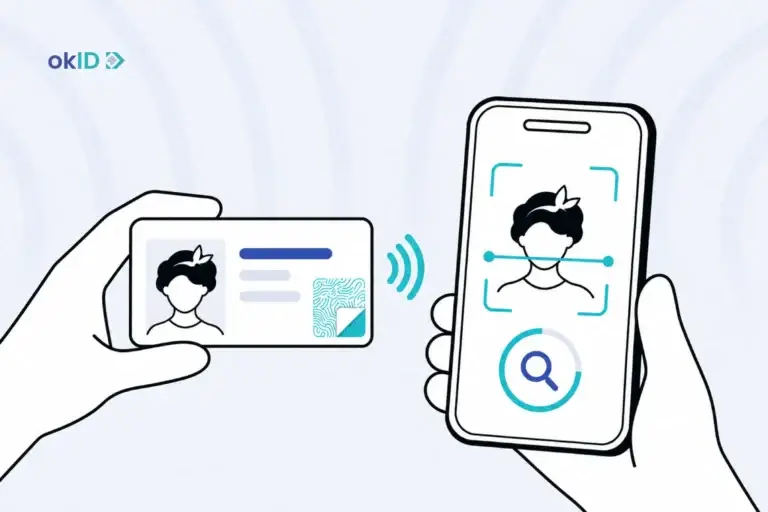
- Document data is checked: okID reads the document and extracts the identity information. Supported electronic IDs can also be read over NFC.
- Face and liveness checks run when configured: Face matching compares the candidate with the portrait; liveness checks for a real person.
- HR receives the result through the dashboard, API, or webhook. Only an unclear case needs to be moved to manual review.
How Does Employee Document Verification Start for a Candidate?
The candidate follows a link from the recruitment or onboarding journey and completes the check online. From there, the configured flow controls which document and verification steps appear.
The configured journey determines which ID the candidate is asked to submit and whether steps such as face matching, liveness, or NFC appear.
How Are Document Data and Authenticity Checked?
Once the image is usable, a document verification service can extract the identity data and run the checks configured for that document. A supported e-passport or electronic ID may also be read via NFC; this second method is available only when both the document and the device support it.
That tells HR about the document. It does not prove that the candidate is the person shown on it.
How Do Face Matching and Liveness Support Candidate Verification?
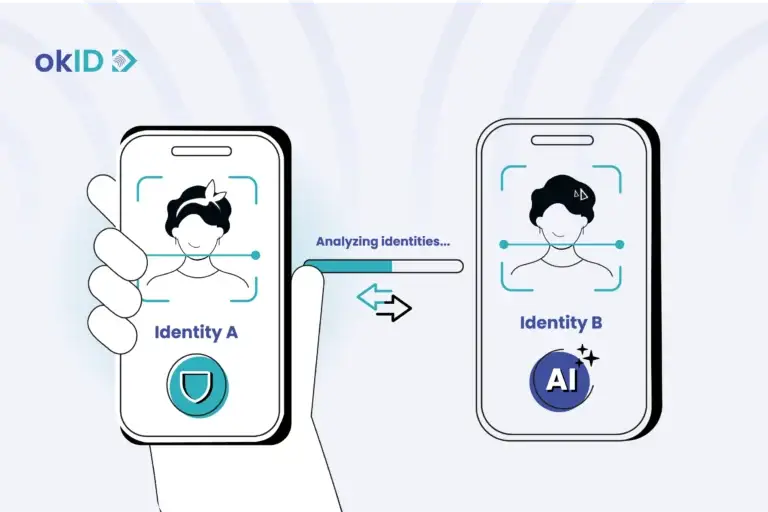
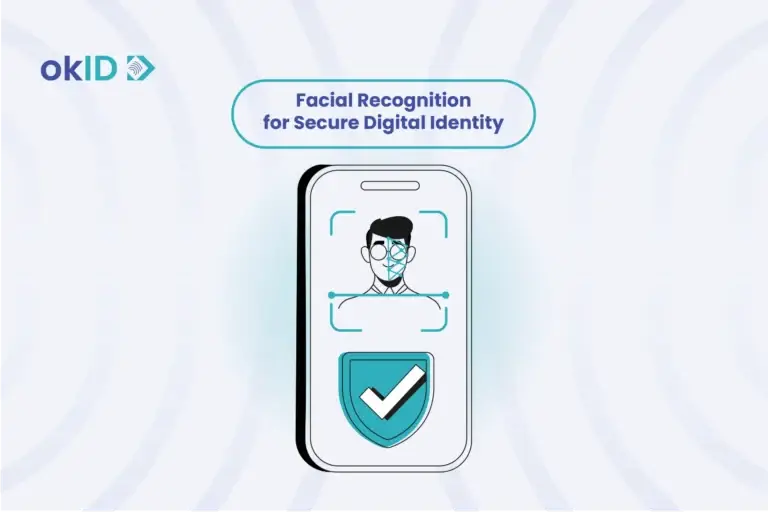
Face matching compares the candidate with the portrait on the ID. Liveness looks for evidence that a real person is in front of the camera during the check.
These are presenter checks.
How Does HR Receive the Verification Result?
After the check, HR sees the result and the identity data returned by the flow. A standalone team can work from the dashboard. An integrated HR system can receive the result through an API or webhook.
Unclear cases can be sent for manual review before HR continues the hiring workflow.
How Do Manual and Automated Employee Verification Methods Compare?
In a manual process, staff receive the file, enter its details, inspect the ID, and record the outcome themselves. In a configured digital flow, extraction and document checks occur before an exception reaches a reviewer; presenter checks may occur within the same journey. The result is returned to the HR system, but the reviewer and hiring team retain the final decision.
| Decision area | Mainly manual workflow | Configured digital workflow |
|---|---|---|
| Capture and data entry | Staff receive files and enter details. | The applicant submits through a guided flow; OCR extracts fields when used. |
| Document checks | A reviewer visually inspects document details and available evidence. | The system checks document data, validity, and the authenticity signals supported for that document. |
| Candidate matching | A reviewer compares the candidate and the identity document through an attended process. | Face matching and liveness assess the presenter in the remote flow. |
| NFC and remote checks | Manual review typically relies on visible information in the document and an attended or separately arranged check. | On supported electronic documents, NFC reads chip data while the candidate completes the flow online. |
| Result delivery | Teams record the outcome manually in their HR or recruitment systems. | The result is returned via a dashboard, API, or webhook, depending on the integration. |
| Human judgment | A reviewer handles unreadable evidence, an unclear match, or another result that cannot be resolved automatically. | Reviewers handle unclear outcomes, exceptions, and final hiring decisions. |
In distributed hiring, candidates from different offices or staffing partners can enter the same capture flow and end up in the same review queue. That avoids each team creating its own intake and exception process.
How Should HR Separate Identity Checks From Right-to-Work Checks?
For a UK hire, the employer follows the Home Office right-to-work process and keeps the required records. Identity-document verification provides evidence of identity; the legal check remains the employer’s responsibility.
How Should HR Handle Identity Verification Data?
The data kept after an identity check depends on what HR needs for the hiring record and the retention rules that apply to that data.
- Before collection: Tell the candidate what the verification flow uses, such as the ID image, extracted identity fields, and biometric data if face or liveness checks are enabled.
- During review: A recruiter may only need the verification status. Access to the underlying ID can be limited to the reviewer handling an exception.
- After verification: The verification result and raw ID image can follow different access and retention rules. Apply legal recordkeeping requirements to the records they govern.
Which Technologies Strengthen Employee Identity Verification?
A blurry scan is a capture problem. A stolen ID or replayed selfie is an identity problem. The tool used in the flow should match the problem HR is trying to rule out.
OCR and Structured Data Extraction
OCR primarily saves HR from retyping names, document numbers, and other fields from IDs. It does not authenticate the document. If the image is cropped or unreadable, the next step is to capture a new image or review the existing one.
Document Authenticity and Security Checks
An expired document, inconsistent data, or an unvalidated security signal can change the document result. Those checks are inherent to the ID itself; a photograph cannot capture every signal available from a physical or chip-enabled document.
Face Matching and Liveness Detection
Face matching compares the candidate with the portrait on the ID. Liveness adds a separate check for a live person at the camera. If the result of either step is unclear, the case can be moved to manual review.
NFC for Chip-Based Identity Documents
NFC is useful only when both the document and the device support it. With a compatible e-passport or electronic ID, the chip provides the verification flow with an additional source of document data; it is not a fallback for every candidate.
How Can Businesses Reduce Friction in Remote Employee Verification?

A candidate who uploads a blurred ID needs a recapture message, not the same message shown after an identity mismatch. If biometrics are part of the flow, explain camera access and the required ID before capture begins.
- Open the verification flow directly from the hiring invitation and state the accepted document plus any camera requirement before the candidate begins.
- Return cropped, blurred, or unreadable images to capture, rather than showing an identity-failure message.
- Route an unclear document or presenter result to manual review after capture and show the candidate that the review is pending.
- Write the verification status back to the candidate record instead of circulating ID images through ordinary email.
- Once manual review starts, tell the candidate what happens next and which HR or verification team will handle the case.
That identity check can sit inside broader digital onboarding solutions as one defined step in the wider onboarding workflow.
What Should Enterprises Look for in a Verification Solution?
Evaluate the product against the hiring flow you already run. Check the documents candidates actually submit, how unclear results are reviewed, and how the verification status is returned to the ATS, HRIS, or recruitment case.
| Evaluation question | What to examine |
|---|---|
| Document fit | Support for the passports, national IDs, residence permits, or other documents that candidates actually present in each hiring market. |
| Presenter assurance | Face matching or liveness only where the hiring flow needs to tie the candidate to the document, without forcing biometrics into every journey. |
| Review path | Named destination and owner for poor captures, unclear matches, or other inconclusive results. |
| Integration | Hosted flow for standalone use, plus API or webhook return to the ATS or HRIS when the process is integrated. |
| Data handling | Separate permissions for the verification result and the ID image, with configurable retention or redaction for stored data. Under the GDPR, biometric data processed to uniquely identify a person is special category personal data. |
| Operational fit | One intake across offices or markets, with local exceptions and final HR decisions visible to the responsible team. |
In an okID hiring flow, the document check can run first. If the candidate also needs to be tied to the ID, face matching or liveness is added at that point. NFC is used only for supported electronic documents, and HR receives the result in the dashboard or through the connected system.
What Should Businesses Take Away From Employee Document Verification?
The identity checkpoint returns a document assessment and adds a presenter match in flows that use face matching or liveness. Unclear cases go to review. Work eligibility follows a separate decision path; credential and background checks do as well.
The okID identity verification platform runs the identity check online and returns the result to HR. Presenter checks, such as face matching or liveness checks, are added only in flows that require them, and NFC is reserved for supported electronic IDs.
FAQs About Employee Document Verification
1- Can employee document verification support international hires?
Yes. A candidate can complete the identity check remotely. Supported documents and data-handling requirements vary by country. HR configures the flow for the hiring location.
2- Which IDs can HR check during employee onboarding?
Common options are passports, national ID cards, and driver’s licenses. Only list the documents the verification flow supports for that market.
3- Can employee identity checks be completed without biometrics?
Yes. A workflow can stop at the document check. If HR also needs to confirm that the candidate is the person shown on the ID, an additional presenter check is required, which may be biometric or in-person.
4- Can the same identity workflow be used for contractors and employees?
Often, yes, for the identity step. A contractor and an employee may submit the same supported ID types and complete the same presenter check. The employer can then route each result into the appropriate worker record.
5- How can document verification connect to an ATS or HRIS?
For an integrated setup, an API or supported middleware sends the result back to the candidate’s HR record. HR can store the verification status there while keeping access to the underlying ID data more restricted. An unclear case needs a destination, such as a review queue.