The debate around Face Recognition vs. face Verification often starts with a simple question: aren’t they the same technology? While both rely on facial biometrics, they perform different functions. Choosing the wrong one can affect security, compliance, costs, and the overall user experience.
The importance of choosing the right biometric technology continues to grow as digital identity verification becomes a core part of customer onboarding and fraud prevention. According to MarketsandMarkets, businesses are using biometric security solutions more than ever, helping the global biometric identity verification market grow from $8.88 billion in 2025 to an expected $17.81 billion by 2030.
In this guide, we’ll explain the differences between face verification vs face recognition, explain when to use each, and help you choose the right biometric face recognition provider or platform.
Key Takeaways
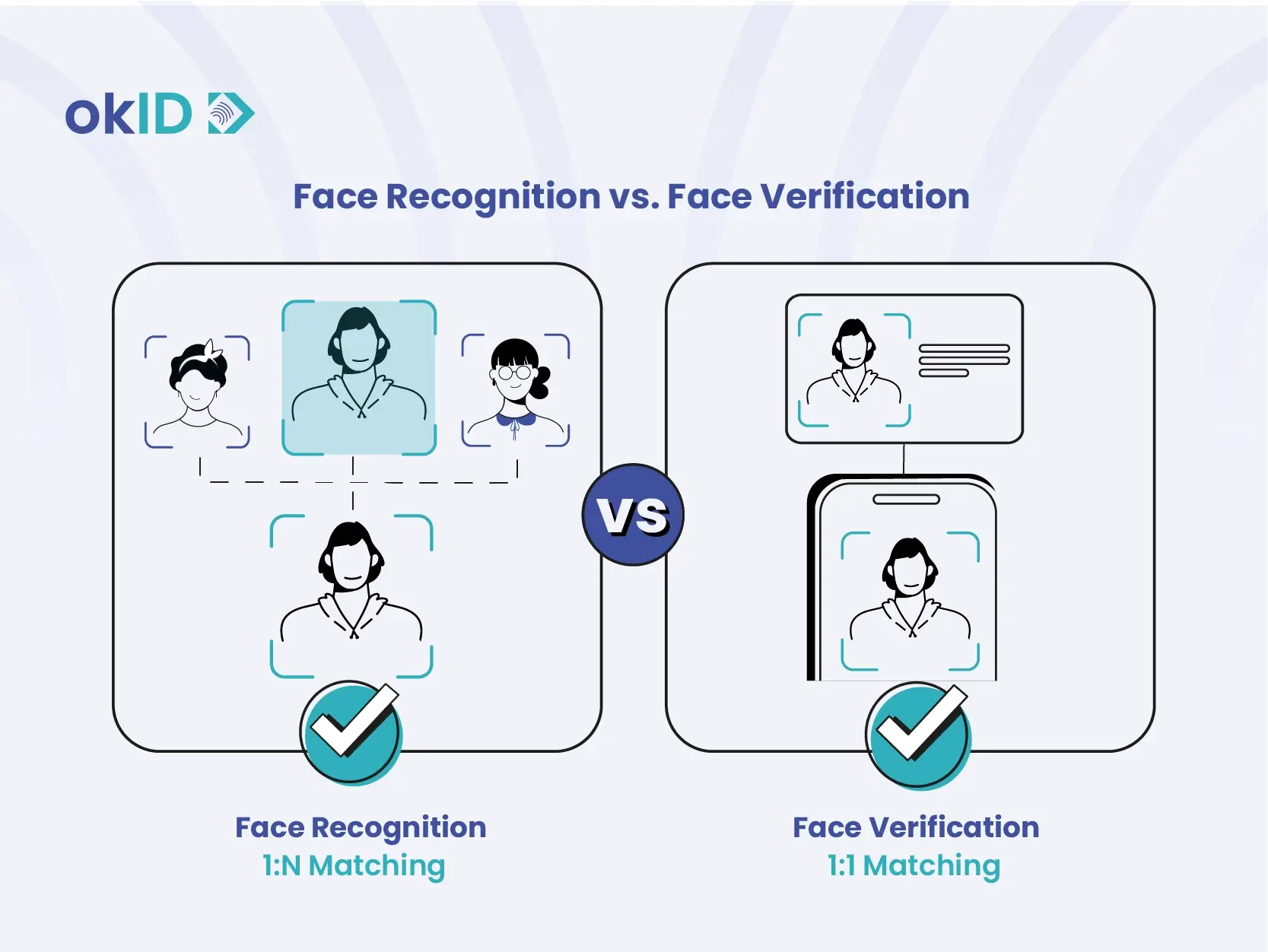
- Face verification confirms identity through a one-to-one (1:1) face match.
- Face recognition identifies people through a one-to-many (1) database search.
- Businesses use biometric face verification for KYC, account access, and authentication.
- Face recognition supports surveillance, watchlists, and access control.
- Liveness detection helps detect photos, recorded videos, and deepfakes.
- Choosing the wrong technology increases costs, compliance challenges, and privacy risks.
What is Face Verification?
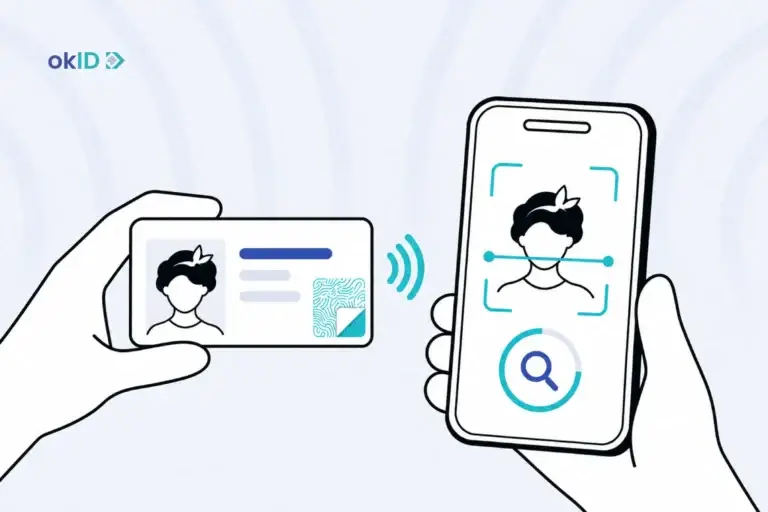
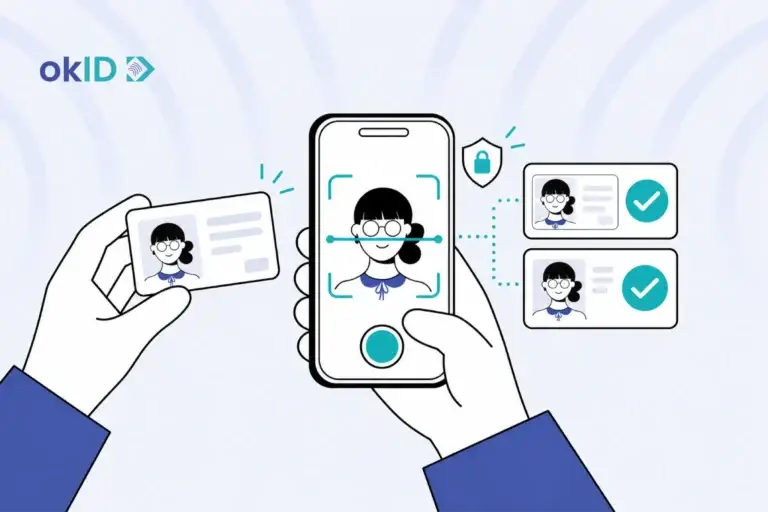
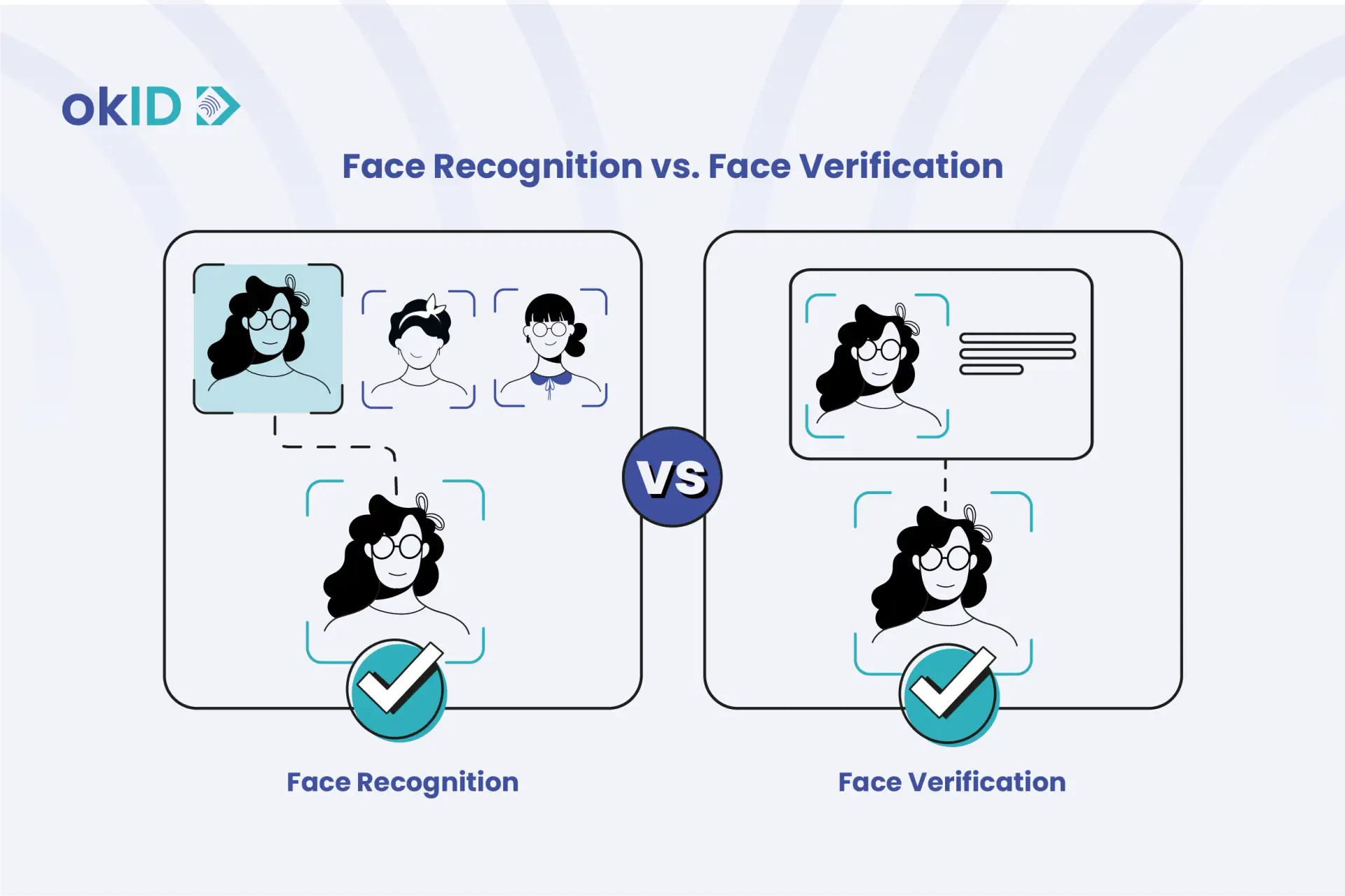
When someone opens an account online, they might need to take a selfie to show that they’re the person in their passport photo. Face verification makes this one-to-one (1:1) comparison, using the passport photo, an ID card photo, or a previously enrolled biometric profile as the reference.
Platforms such as OKID help businesses verify users remotely by combining biometric face recognition, liveness detection, document verification, and fraud checks into a single workflow, eliminating the need to build biometric infrastructure from scratch.
How does face verification work?
Before a system can verify a person’s identity, it follows a series of steps to analyze the face, create a unique biometric template, and confirm that the user is genuinely present:
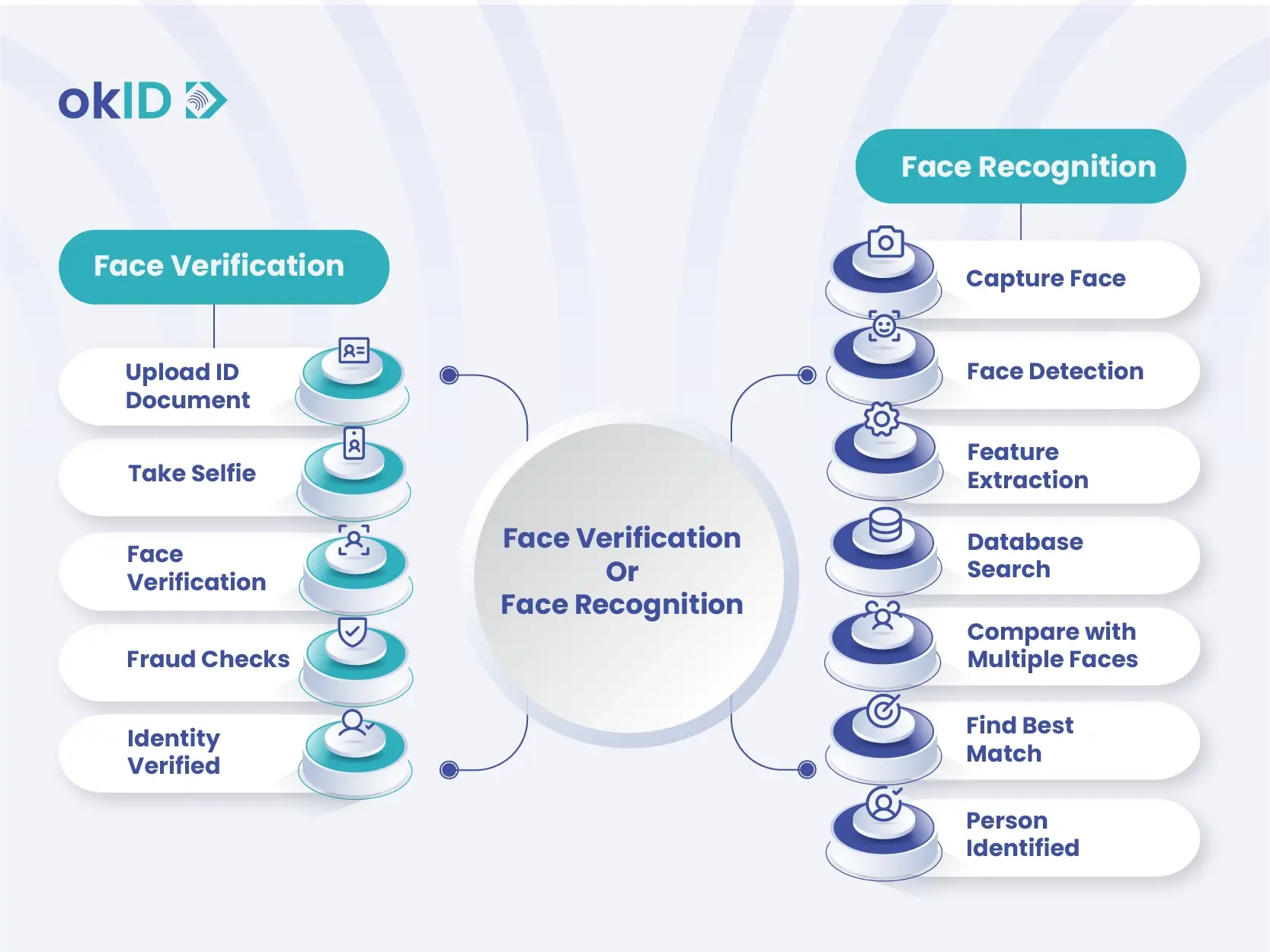
- Face detection: The camera first picks out the person’s face from the rest of the image.
- Feature extraction: A neural network then turns the facial features into a set of numbers, known as an embedding.
- Comparison: Next, the system checks those features against the photo on an ID card or a previously enrolled biometric template. The identity is verified if the similarity score meets the required threshold.
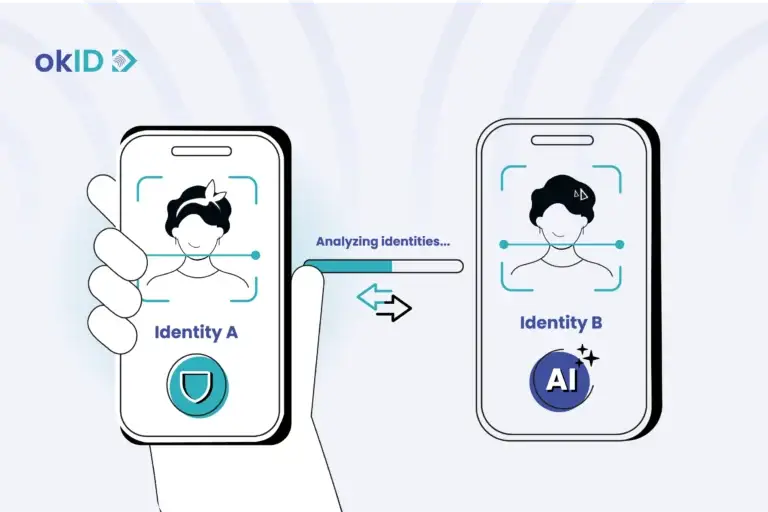
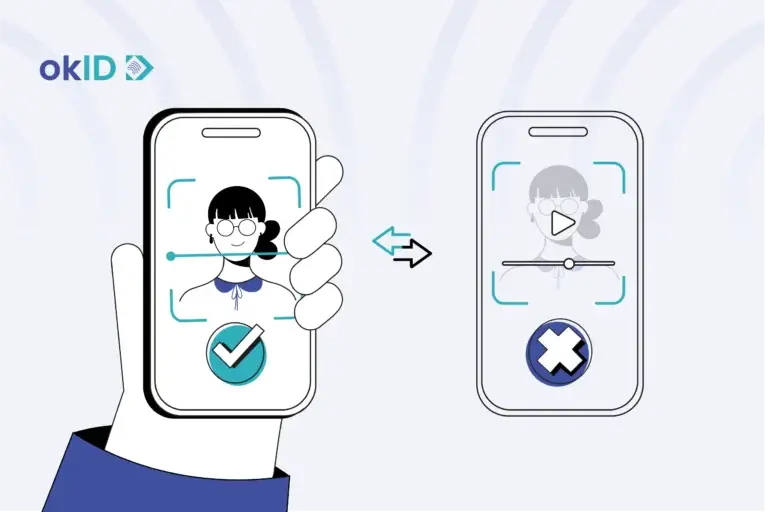
- Liveness detection: Modern biometric face recognition systems use Passive liveness or active liveness checks to ensure that the face belongs to a real, present person rather than a photo or deepfake. Without liveness detection, deepfakes and replay attacks can bypass simple face matching. The threat is growing rapidly.
For example, systems such as Apple’s Face ID use a depth map and neural engine to map facial geometry and compare it to the enrolled face. According to Apple support, the probability that a random person could unlock your device with Face ID is less than 1 in 1,000,000!
What is Face Recognition?
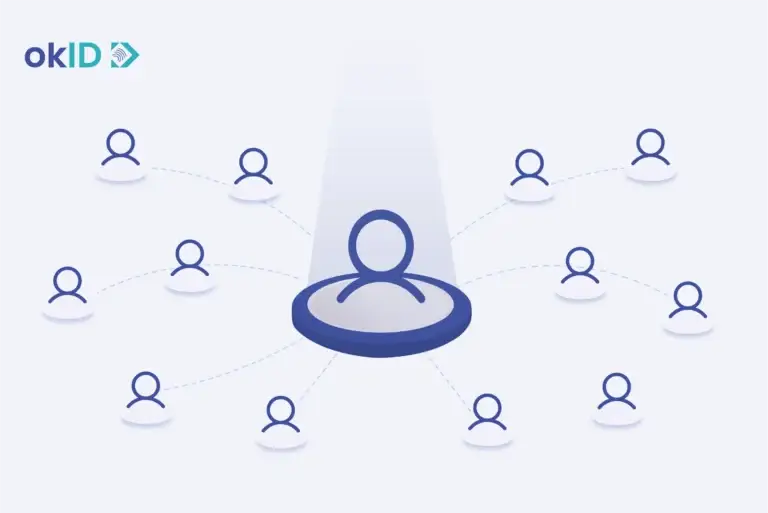
Face recognition refers specifically to identifying an unknown person through a database search. It compares a captured face against multiple identities stored in a database (1:N matching) to answer the question, “Who is this?” After detecting and encoding the face, the system compares the embedding with a reference database of known individuals. If it finds a close match, the system returns the person’s identity.
Law enforcement can use face recognition to check faces in a crowd or border queue against a watchlist. People passing those cameras might not even know they’re being scanned. The technology is also used in casinos to spot self-excluded patrons and has been used to tag friends in social-media photos. Under the EU AI Act, real-time remote biometric identification in publicly accessible spaces for law enforcement is generally prohibited, with narrowly defined exceptions and strict safeguards.
How does face recognition work?
To identify someone, face recognition searches a database of known faces:
- Face detection and alignment: The software picks out faces in the camera image and adjusts for differences in head angle, lighting, and size.
- Feature extraction: Like verification, it converts each face to an embedding using deep neural networks.
- Database search: The system compares the embedding against every entry in the database. It uses algorithms such as cosine similarity to rank potential matches.
- Decision: If the highest similarity score exceeds a threshold, the system identifies the person; otherwise, it returns no match.
The difference between Recognition vs. Face Verification
To better understand Face Recognition vs. Face Verification, review the comparison table below:
| Aspect | Face Verification | Face Recognition |
| Question answered | Is this person the claimed identity? | Who is this person? |
| Matching type | One‑to‑one comparison | One‑to‑many database search |
| User awareness & consent | Usually involves active user participation; the legal basis depends on the use case. | Often operates passively; consent may be absent |
| Typical uses | KYC/onboarding, account access, device unlock, authentication | Surveillance, law enforcement, watchlists, photo tagging |
| Regulatory posture | In the EU, biometric identity verification must meet GDPR Articles 6 and 9 requirements. | In the EU, real-time public-space identification for law enforcement is generally prohibited, with narrow exceptions. Other uses face different legal requirements. |
| Privacy impact | Lower; data is consent‑based and limited to one template | Higher enables mass identification and surveillance |
Recognition vs. Face Verification in practice: Two scenarios
The two scenarios below provide a practical way to understand Face Recognition vs. Face Verification in real-world situations:
Scenario 1: Public Surveillance (Face Recognition)
Imagine walking through a crowded city square. Security cameras scan people’s faces and may compare yours with people on a watchlist without you even noticing. Because the system is trying to identify you among multiple people, this is an example of face recognition.
Scenario 2: Online Visa Application (Face Verification)
When applying for a visa online, you upload your passport and take a live selfie. The system checks whether your face matches the photo on your passport and whether a real person is present in front of the camera. Because the goal is to confirm that you are the person shown on the passport, this is an example of face verification.
Face Verification vs Face Recognition Use Cases: Which Should You Choose?
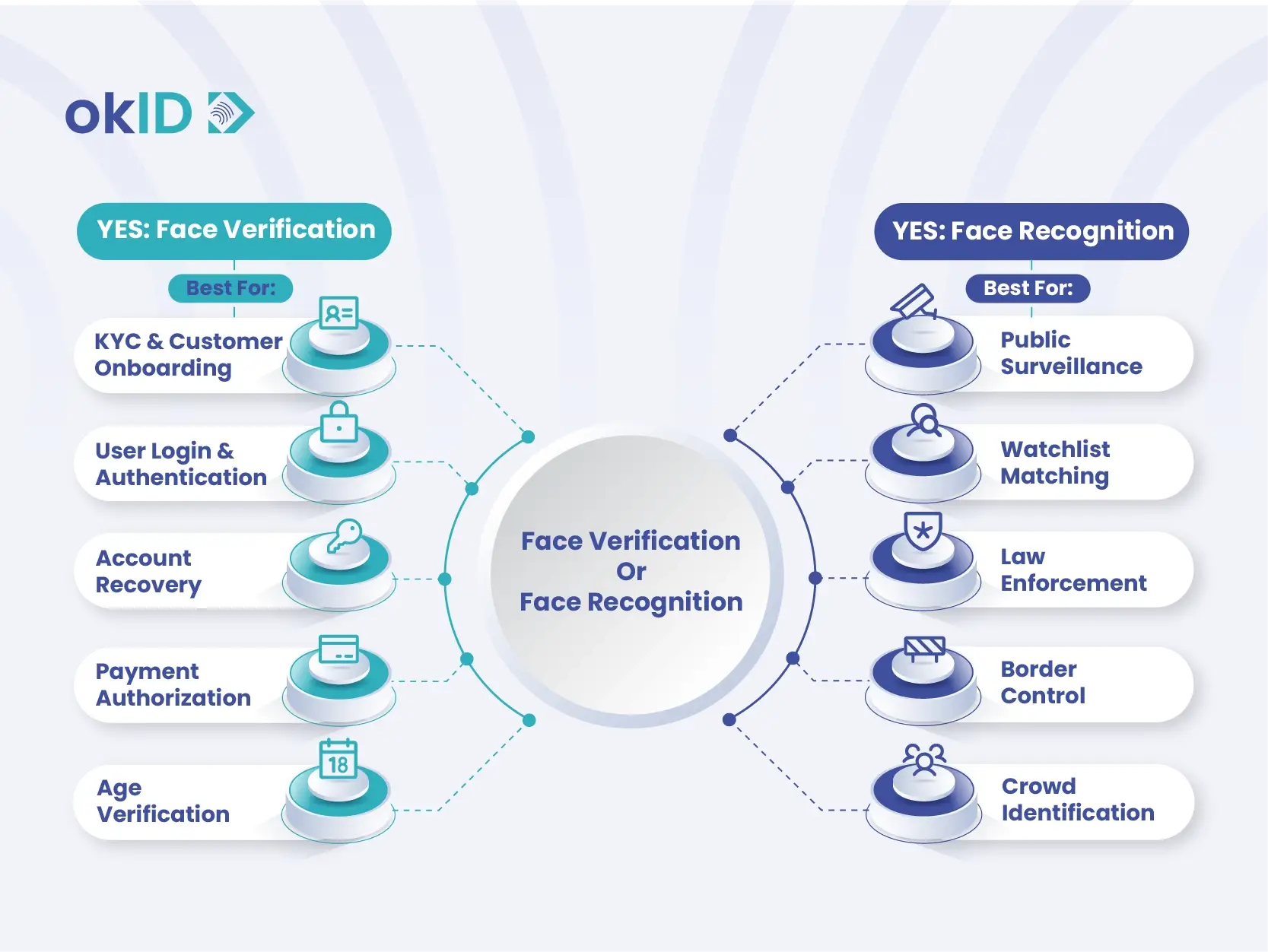
Not sure which technology is right for your business? Different goals require different tools. Use face verification to confirm a claimed identity during authentication or onboarding, and use face recognition to identify unknown individuals or search large databases. The comparison below shows which technology is best suited to common business scenarios:
| Use case | Use Face Verification? | Use Face Recognition? |
| User login / account access | Confirms the account holder’s identity | – |
| KYC / onboarding | Matches a live selfie to an identity document | – |
| Account recovery | Restores access by verifying the legitimate account owner | – |
| Passwordless login | Authenticates users without passwords | – |
| Payment authorization | Approves high-value or sensitive transactions | – |
| SIM registration | Verifies subscriber identity before activation | – |
| Age verification | Supports age checks when combined with verified date-of-birth data or a separate age-estimation tool | – |
| Access control (doors, devices) | Ensures only authorized individuals gain access | Suitable for large facilities with many enrolled users |
| Time & attendance | Verifies employees when clocking in | Identifies workers across larger workforces |
| Security & surveillance | – | Monitors public spaces and alerts on watchlists |
| Law enforcement / watchlists | – | Searches for matches across databases |
| Customer identification in stores | – | Recognizes returning customers |
| Personalized experiences (apps, retail) | Tailors experiences after authentication | – |
Face Verification vs Face Recognition: Which Costs Less?
When comparing face verification vs face recognition, cost is often an important consideration. For most businesses, face verification is the more cost-effective option because the organization already knows who the user claims to be and only needs to confirm that identity. Face recognition, by contrast, must search and compare faces across larger databases, making it more complex and resource-intensive.
Cost is only part of the face recognition vs face verification debate. A business needs to decide whether to confirm someone’s identity or find an unknown person in a database. A fintech company onboarding customers remotely may only need face verification to confirm identities during KYC checks. Airports, stadiums, and law enforcement agencies sometimes use face recognition to identify individuals from watchlists or large databases. While these deployments typically involve higher costs, they can help identify possible fraud or security threats.
Face Recognition vs Face Verification: Errors and Limitations
Face recognition and face verification systems are not always accurate and can make mistakes. These errors generally fall into two categories: false positives and false negatives.
- A false positive happens when the system mistakenly treats two different people as the same person. In face recognition, this can result in the wrong person being identified.
- A false negative is the opposite: the system fails to verify a genuine user. For example, someone may be rejected when signing in, approving a payment, or recovering an account and may need to try again or contact support for help.
The likelihood of these errors depends on factors such as image quality, lighting, camera angle, and the number of faces in the database. Blurry or low-quality images make recognition more difficult. As the number of people in the system grows, the chance of incorrect matches can also increase.
For this reason, sensitive decisions should not rely only on an automated result. Methods such as liveness detection and human review can help reduce the risk of errors.
Why Businesses Confuse Face Recognition and Face Verification
Many businesses assume that face recognition and face verification perform exactly the same function. This confusion exists because both technologies rely on many of the same building blocks, including cameras, AI-powered facial analysis, and face-matching algorithms.
In both cases, a person simply looks at a camera while the system analyzes their face in the background. Because the user experience is similar and the underlying technology appears almost identical, the terms are often used interchangeably. However, despite these similarities, face recognition and face verification are designed to solve different business problems.
Popular Face Verification Apps and Platforms
Some businesses use specialized identity verification platforms to handle biometric verification, document checks, and fraud prevention. Examples include:
- okID provides facial verification, liveness detection, ID document verification, and AI-powered identity checks that help businesses verify users remotely and reduce fraud.
- Jumio.com uses biometric face matching, liveness detection, document verification, and risk assessment technologies to verify identities and detect fraudulent activity.
- Entrust.com combines facial biometrics, AI-powered document verification, and fraud detection tools to help organizations onboard customers securely.
- Veriff.com uses facial verification, liveness checks, document authentication, and behavioral analysis to confirm identities and prevent identity fraud.
Do big businesses use face verification or face recognition?
Most large consumer-facing companies use biometric face verification to check that the person signing in is the account holder. Take Apple’s Face ID:
- Apple (Face ID) uses face verification to unlock devices and authorize payments securely. The TrueDepth camera maps facial geometry and matches it to the enrolled face.
- Samsung (Face Unlock) uses face verification for device access; it instructs users to hold the phone 8–20 inches away and warns that face recognition is less secure than PINs and fingerprints.
- Meta (Facebook) previously used face recognition for photo tagging and content organization, but has scaled back due to privacy concerns.
- Airports and airlines use face verification for passenger identity checks and face recognition to match against watchlists.
How okID Helps Businesses Verify Customer Identities
When exploring Face Recognition vs. Face Verification, many businesses start by asking, “What is Facial Recognition?”, “How does Face Verification work?”, and “Which solution is better for our business?” The answer is that, in most cases, the real challenge is not identifying unknown individuals but confirming that users are who they claim to be. This is where okID helps businesses by supporting face verification, liveness detection, and fraud prevention without the need for large-scale face recognition systems.
Rather than investing significant time and resources in building and maintaining complex biometric infrastructure in-house, businesses can use okID to verify customers remotely. By combining face verification, liveness detection, document verification, and fraud checks in a single platform, okID helps businesses check customer identities during onboarding, spot possible fraud, and meet KYC requirements without adding unnecessary steps for users.
FAQ About Face Recognition vs. Face Verification
Which is more secure for login systems?
Businesses usually choose face verification for login systems because it confirms the identity of the registered account holder. To strengthen security, organizations combine face verification with liveness detection, device intelligence, and fraud prevention checks instead of relying on face matching alone.
Can face recognition be used for KYC?
Most organizations use face verification rather than face recognition for standard KYC processes. Users already provide identity documents, so the system checks whether the person taking the selfie matches the photo on the submitted document.
Can deepfakes bypass face verification?
A basic face-matching system can be tricked by a deepfake, a photo, or a recorded video. Liveness detection helps check whether someone is actually in front of the camera.
Is face verification GDPR compliant?
Face verification isn’t automatically GDPR compliant; how a business handles biometric data matters. If a company uses that data to identify a customer, it needs a legal basis under Article 6 and must meet one of the conditions in Article 9. The company must tell customers why it collects their data, keep it secure, and delete it when there’s no longer a valid reason to retain it.
Is face verification the same as face recognition?
No. In the debate of face verification vs face recognition, verification confirms a claimed identity by comparing two faces, while recognition identifies a person by searching a database of many faces.
Do most businesses need face recognition?
Not usually. Most businesses only need face verification, but face recognition is mainly used by organizations that need to identify unknown individuals from large databases.
Why does liveness detection matter in face verification?
Liveness detection checks whether the person in front of the camera is actually present at that moment. It helps detect attempts to fool the system with a photo, recorded video, or manipulated image instead of a real person.